
The WordPress plugin for Wasabi
Files stay in Wasabi. Your WordPress host stays lightweight.
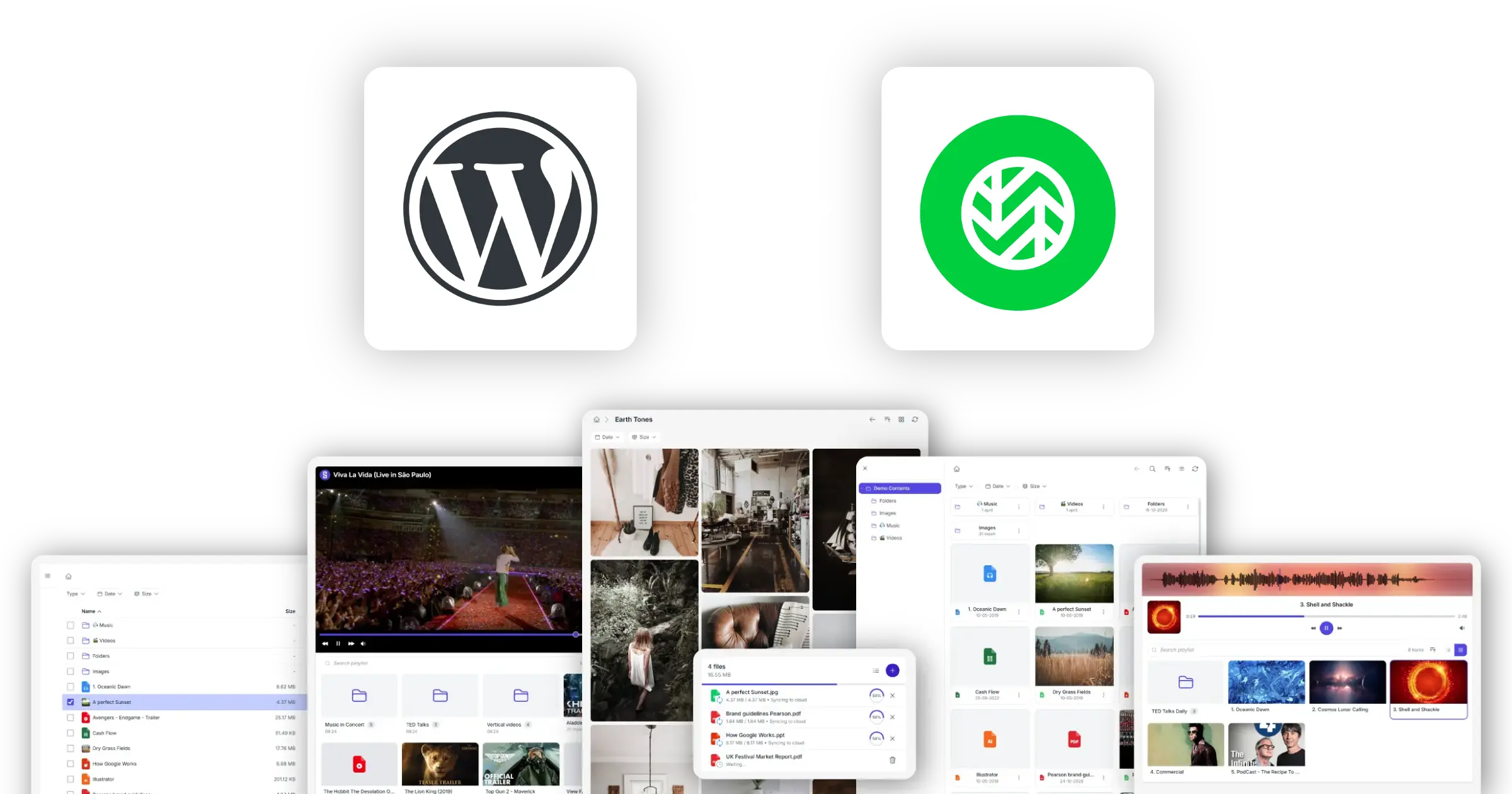
Your Wasabi storage, on your WordPress site
Store large media libraries in Wasabi. Display, stream, and share them from WordPress.
Synkivo connects WordPress directly to your Wasabi buckets through the S3-compatible API.
Once connected, your WordPress site can display, stream and accept files without storing them locally. Media lives in Wasabi, WordPress only renders it.
This is especially useful for sites with large or fast-growing media libraries such as portfolios, video platforms, training environments or digital archives.
Instead of filling up your hosting plan, you offload storage and bandwidth usage to Wasabi. Your WordPress database and uploads directory stay lightweight while your content scales independently.
Setup is simple: connect your Wasabi credentials, select a bucket, and choose how you want to expose files inside WordPress.
Turn Wasabi into your WordPress media engine
From simple file delivery to full media portals, all powered by your existing buckets.
Browse files
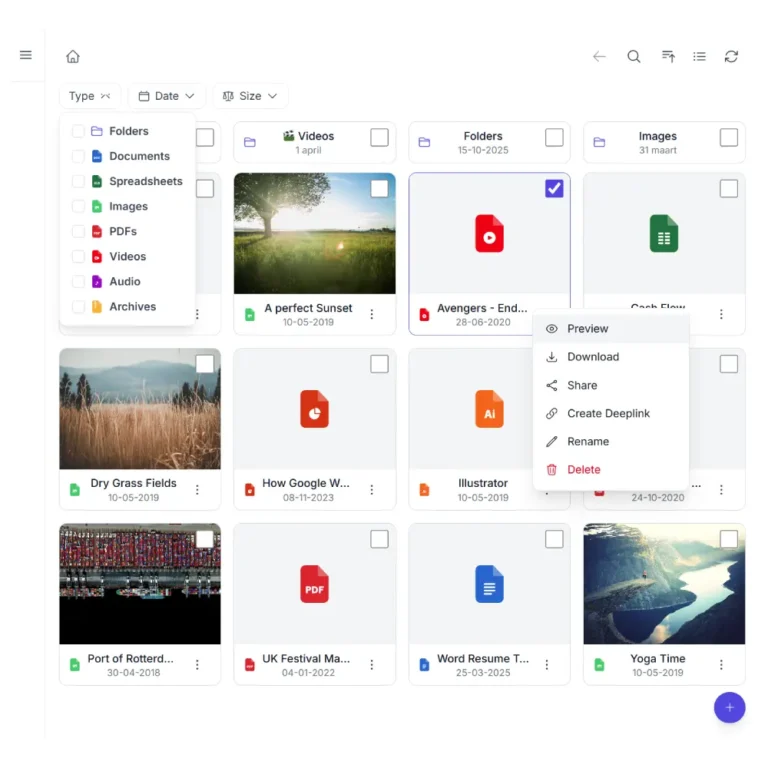
Show a file browser on any page that lists files from your Wasabi buckets. Visitors navigate folders, preview files, and download.
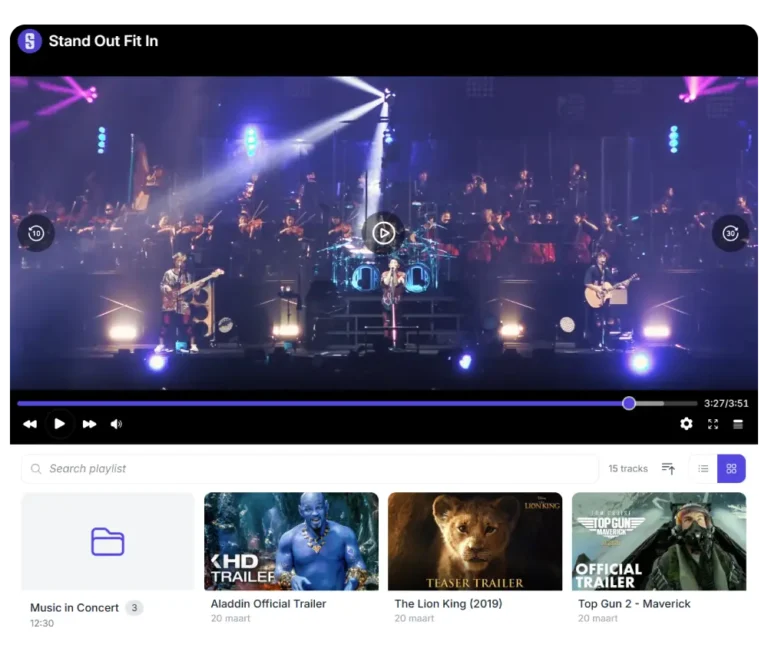
Stream audio and video
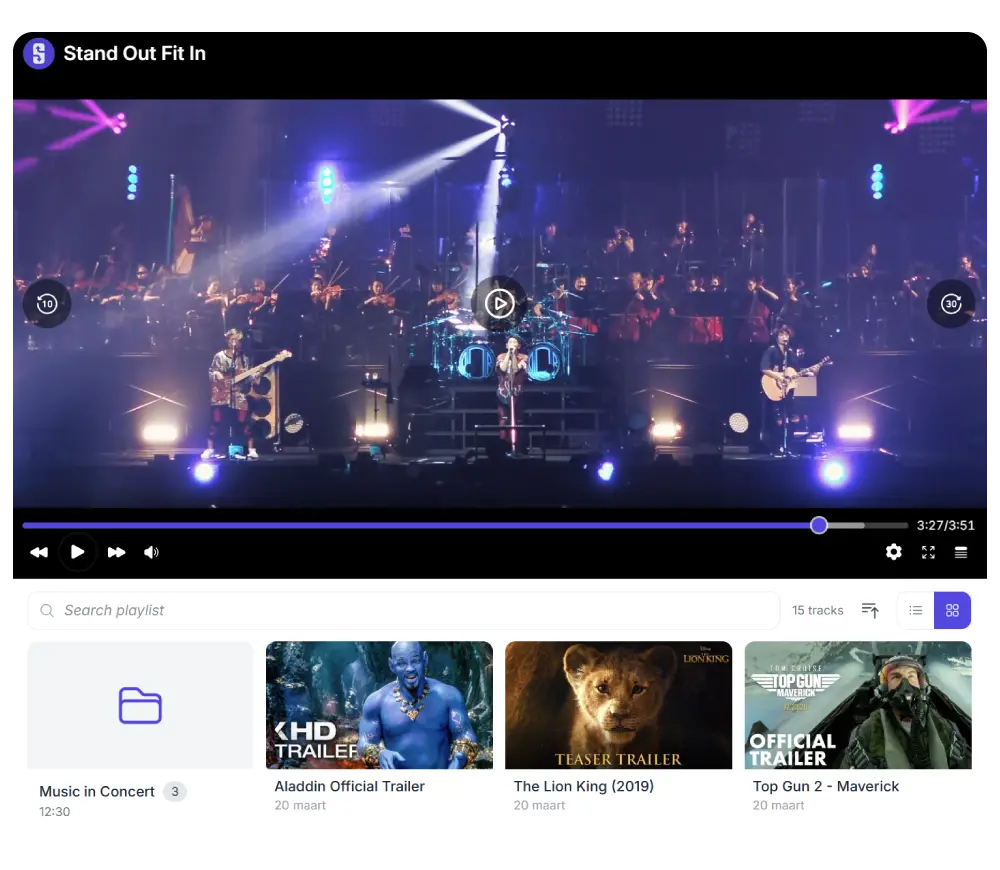
Audio, video, large image collections. Wasabi holds the files; Synkivo plays and displays them on WordPress. Storage size does not affect WordPress performance.
Build image galleries
Turn a Wasabi folder of images into a responsive gallery, masonry grid, or justified layout.
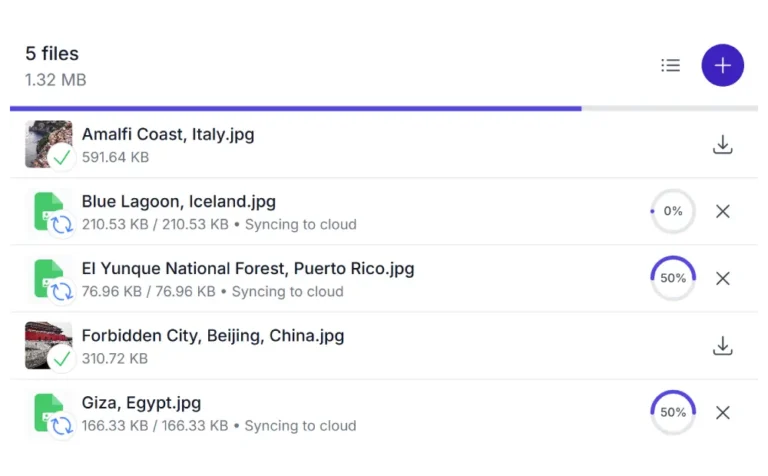
Accept uploads
Let logged-in users or visitors upload files directly to a Wasabi bucket. Files arrive in Wasabi; WordPress is not the storage layer.
Create secure client portals
Combine personal folder mapping, role-based access, and signed URLs to build private portals where each user sees only their own files.
Offload WordPress media hosting
Move media files out of your WordPress uploads folder into Wasabi. Your WP host disk usage stays flat; Wasabi grows independently.
How Synkivo connects WordPress to Wasabi
No syncing. No duplication. Directly access buckets.
1.
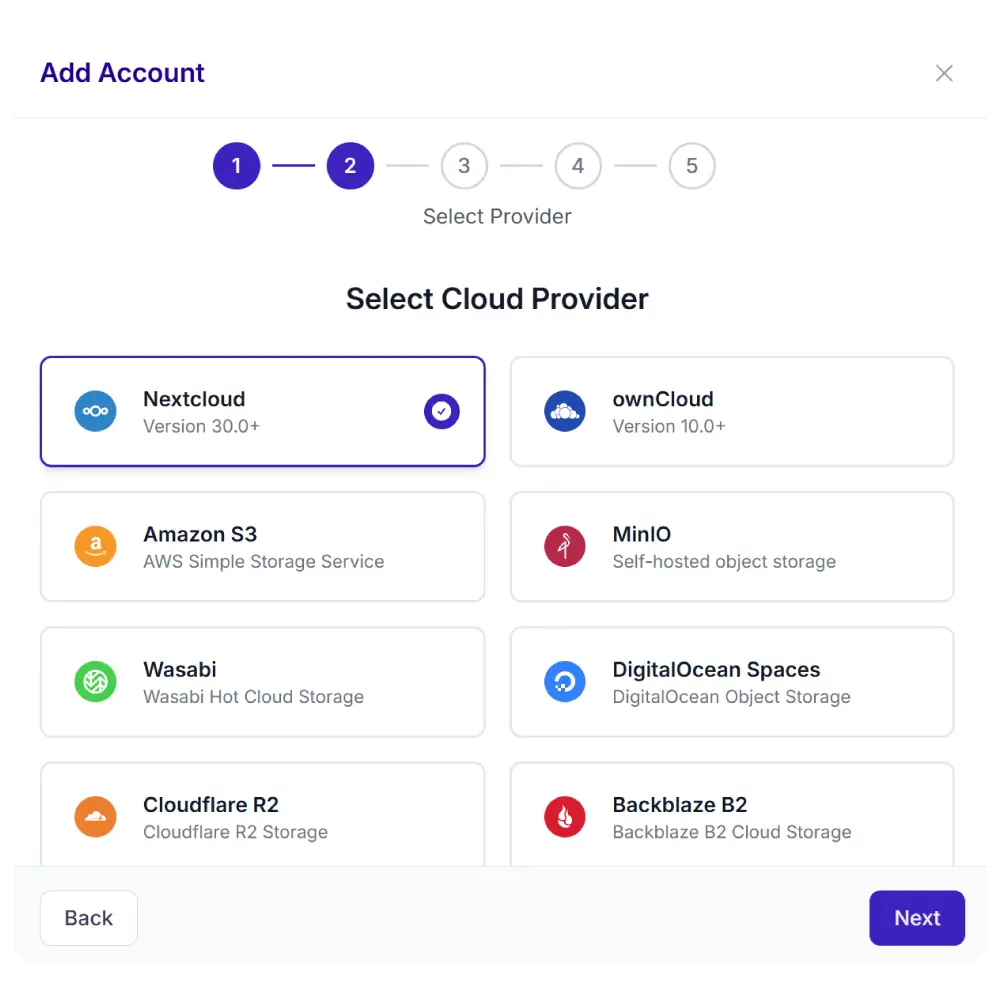
Connect your cloud
Enter your Wasabi credentials and region endpoint in WordPress. Synkivo verifies access and loads your available buckets.
2.
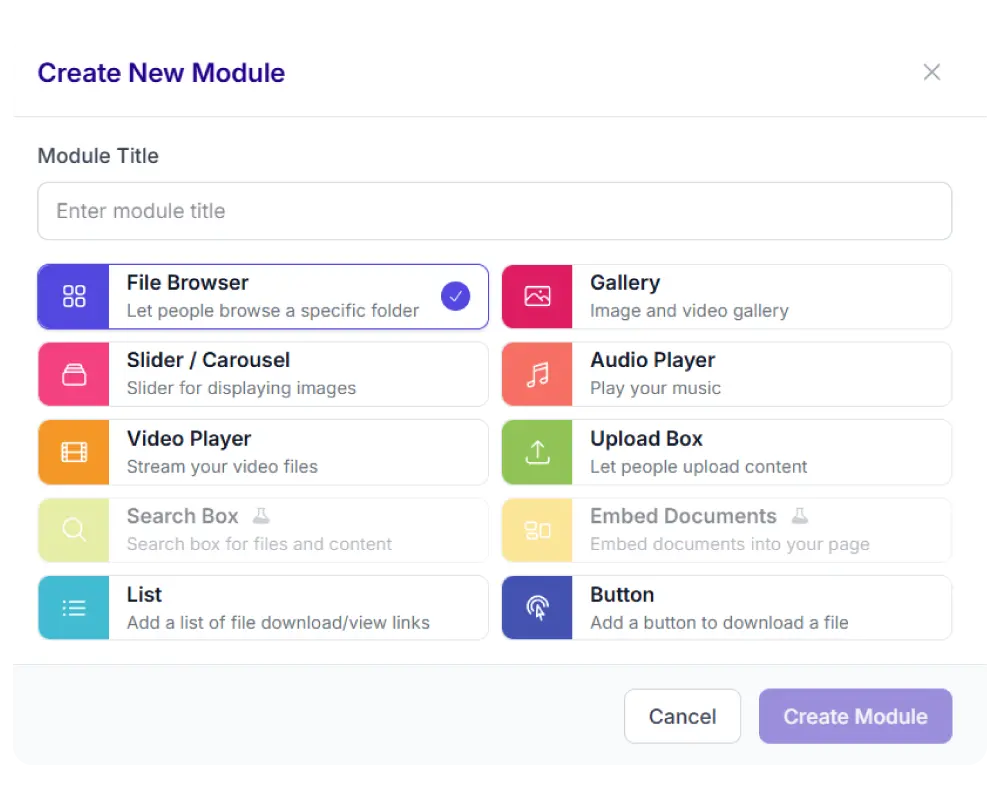
Pick a module
Choose from 8 display types: file browser, gallery, upload box, player, and more.
3.
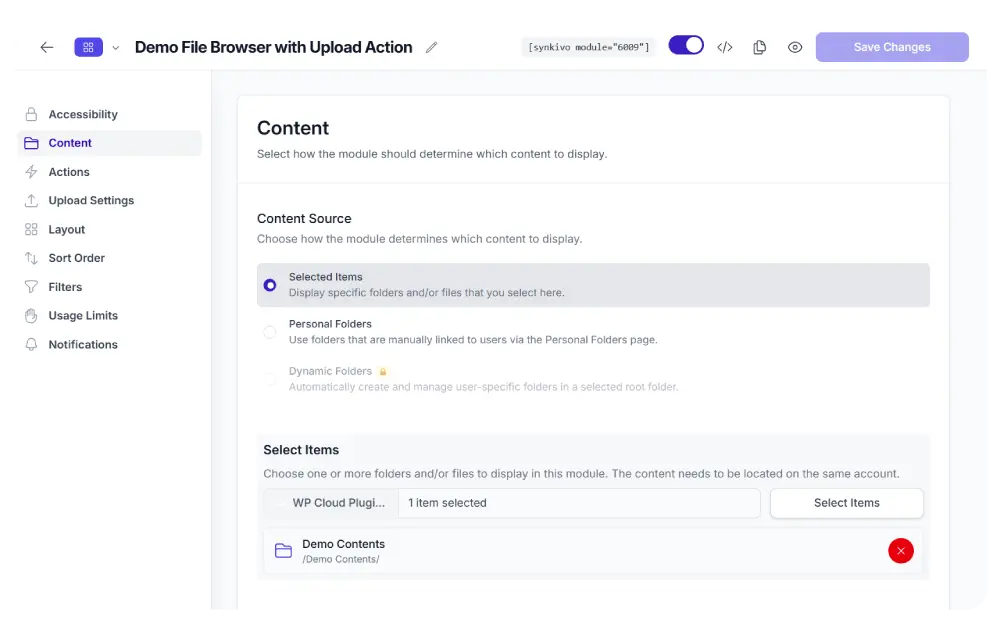
Configure visually
Assign a bucket, folder and user permissions and configure the layout.
4.
Publish
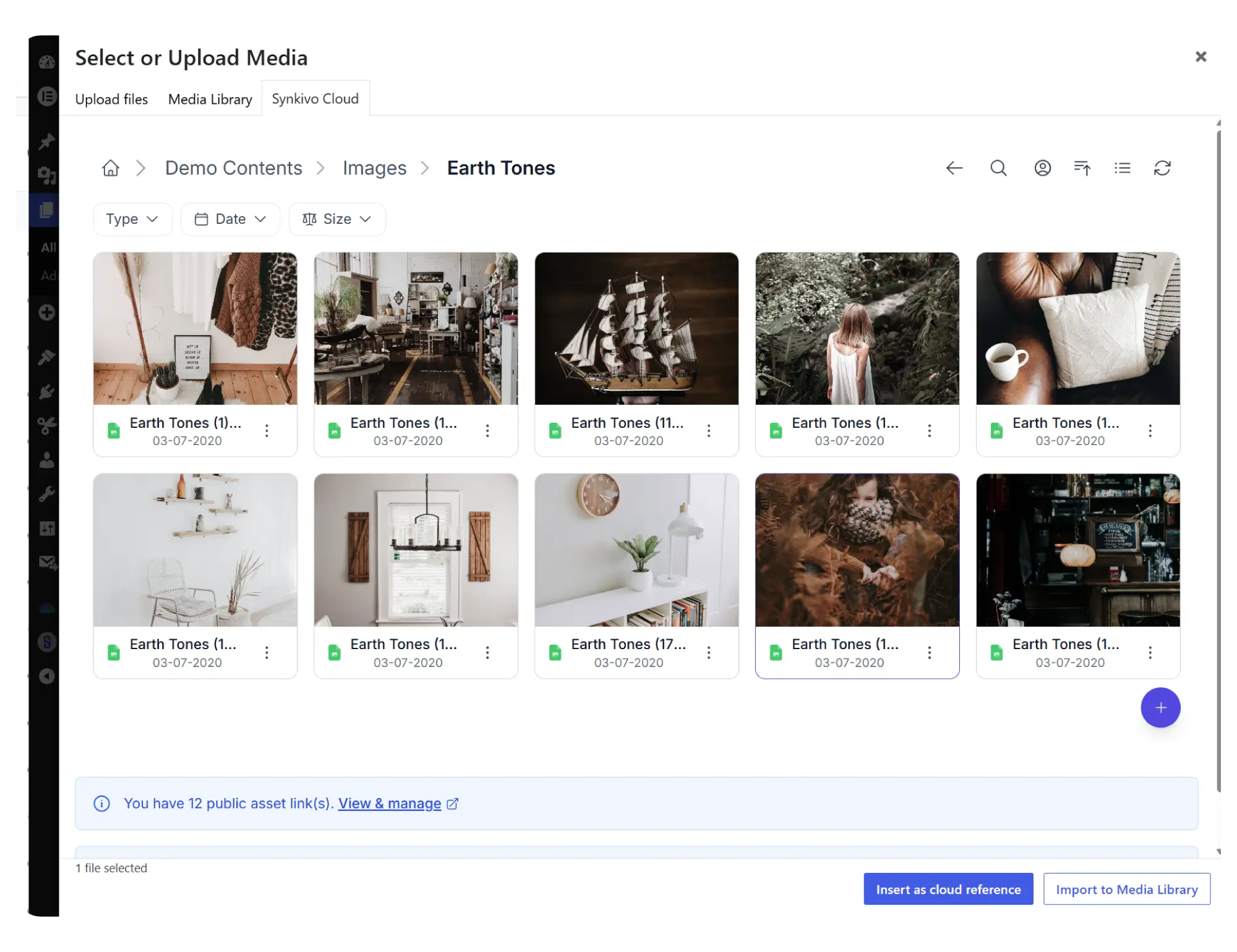
Use Wasabi files inside the WordPress Media Library
Insert Wasabi files into pages, posts, products, and any plugin that uses the WordPress media picker. Stop filling up your WordPress uploads folder.
Synkivo adds a tab to the WordPress Media Library dialog. When you click “Add Media” in the editor or any plugin that uses the standard media picker, you can browse your Wasabi buckets, select a file, and insert it. No copy. No download. No re-upload.
When you insert a file, you choose between two modes. Embed inserts a direct link to the file on Wasabi. The file stays in your bucket, your WordPress page references it, and any change in Wasabi is reflected on your site immediately. Import copies the file to your WordPress uploads folder; useful when you want a guaranteed local copy.
Every embedded file gets a permanent WordPress-hosted URL through Synkivo’s Public Assets system. Even if you rename or move the file in Wasabi later, the URL stays valid. You can also revoke access to any embedded file with one click.
For sites with large media libraries, the offload pattern is the main reason to move to Wasabi. WordPress hosting typically bills on both disk space and outbound bandwidth; moving media to Wasabi shifts both into Wasabi’s flat-rate pricing structure. See the dedicated WordPress Media Library cloud storage page.
Embed vs Import
| Embed (recommended) | Import | |
|---|---|---|
| What it does | References the file in Wasabi | Copies the file to WordPress uploads |
| Local disk usage | None | Full file size on your WP server |
| Hosting Bandwidth | Loads from Wasabi directly | Loads through your WordPress host’s bandwidth |
| Best for | Any file you manage in Wasabi | Files you want guaranteed locally |
Everything you need to share files on your site.
Each module is visually configured — no code required. Place it anywhere with a shortcode, Gutenberg block, or page builder widget.
Every Synkivo module works with Wasabi
Pick the module that fits your page. The same Wasabi connection powers all of them.

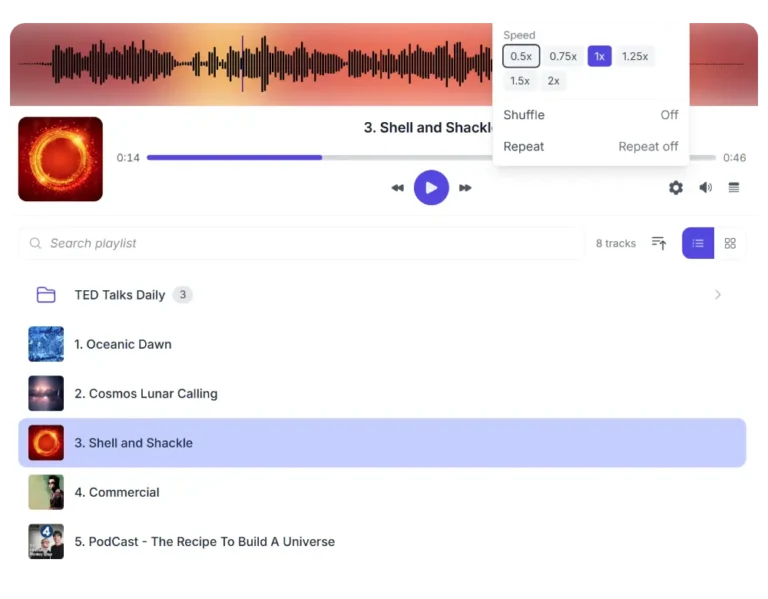
Audio Player

List and Buttons
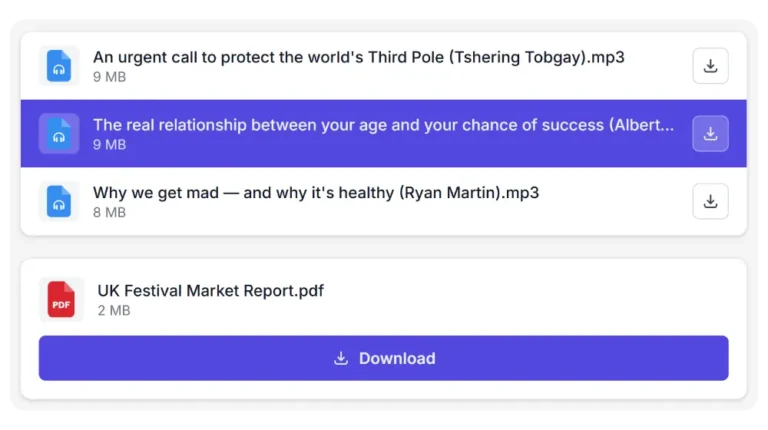
Create structured download lists from Wasabi objects and add direct download buttons.
Secure by default
Wasabi protects your storage. Synkivo controls access in WordPress. Together they form a layered security model.
Media libraries are long-lived by nature. Files uploaded today often remain in use for years, which makes access control and storage security equally important.
Wasabi secures the storage layer, ensuring files are protected at bucket level. Synkivo adds an application layer on top of that inside WordPress, controlling how users interact with those files.
IAM-scoped credentials
Wasabi Access Keys can be restricted using IAM policies to specific buckets or prefixes. Synkivo only operates within the permissions granted by those credentials.
Encrypted credentials
Your Wasabi Access Key and Secret are encrypted at rest in the WordPress database. They are never exposed in the frontend or page source.
Role-based actions
Define what each WordPress role can do per module: browse, upload, download, rename or delete. Access is enforced inside WordPress before requests reach Wasabi.
Personal folder
Link WordPress users to specific Wasabi prefixes. Each user only sees their assigned folder structure. Pro plan and above.
Signed URLs
Files are delivered using signed URLs with expiration. Direct access to your Wasabi bucket is never exposed publicly.
Proxy downloads
Optionally serve files through your WordPress server instead of the Wasabi URL, hiding the storage location entirely.
Real-world use cases for Wasabi in WordPress
Built for media-heavy websites that need predictable storage.
Photography and video portfolios
Showcase high-resolution work without compressing or hosting files locally. Wasabi stores the originals, WordPress delivers them instantly through Synkivo modules.
Software downloads and distribution
Deliver installers, assets and digital products from Wasabi while keeping WordPress focused on structure, not storage.
Team portals
Create structured file access for teams or clients. Each user can access specific folders stored in Wasabi through WordPress.
Membership sites
Deliver gated content such as courses or downloads without increasing WordPress storage usage as your library grows.
Connect Wasabi to WordPress today
Why Wasabi ?
Wasabi targets one specific gap in the cloud storage market: flat-rate object storage for sites that store a lot and access it regularly. AWS S3 prices stack up the more you store and the more you transfer; Wasabi simplifies the bill to a single per-TB rate with no egress charges within fair use.
For WordPress sites that serve large media libraries (photography, video, audio, archives), this turns storage from an unpredictable line item into a planned operating cost
Flat-rate pricing model
Wasabi charges a single per-TB rate. No per-request fees. No per-byte egress charges within fair use.
Built for large media libraries
Designed for sites that store gigabytes to terabytes of media: photography, video, audio, archives, course content.
S3-compatible API
Wasabi speaks the standard S3 API, so it works with Synkivo, S3 tooling, and any S3-compatible workflow.
Multiple global regions.
Pick a region close to your visitors. Wasabi operates data centers across North America, Europe, and Asia-Pacific.
Common Questions Answered
What versions of Wasabi does Synkivo support?
How is the connection authenticated and where are credentials stored?
Are my files copied to WordPress, or do they stay in Wasabi?
Can I use Wasabi files in the WordPress Media Library?
Does Wasabi's 90-day minimum storage charge affect Synkivo workflows?
Which Wasabi region should I choose?
Does Synkivo with Wasabi work alongside WooCommerce, Elementor, and Gutenberg?
Yes. Synkivo integrates with Gutenberg, Elementor, Divi, WPBakery, and other major page builders through dedicated blocks and widgets. For WooCommerce, you can attach Wasabi files to digital downloads, allow customers to upload to a Wasabi prefix per order, or display Wasabi files on product pages. See the integrations page.