
Your cloud storage. Inside your WordPress site.
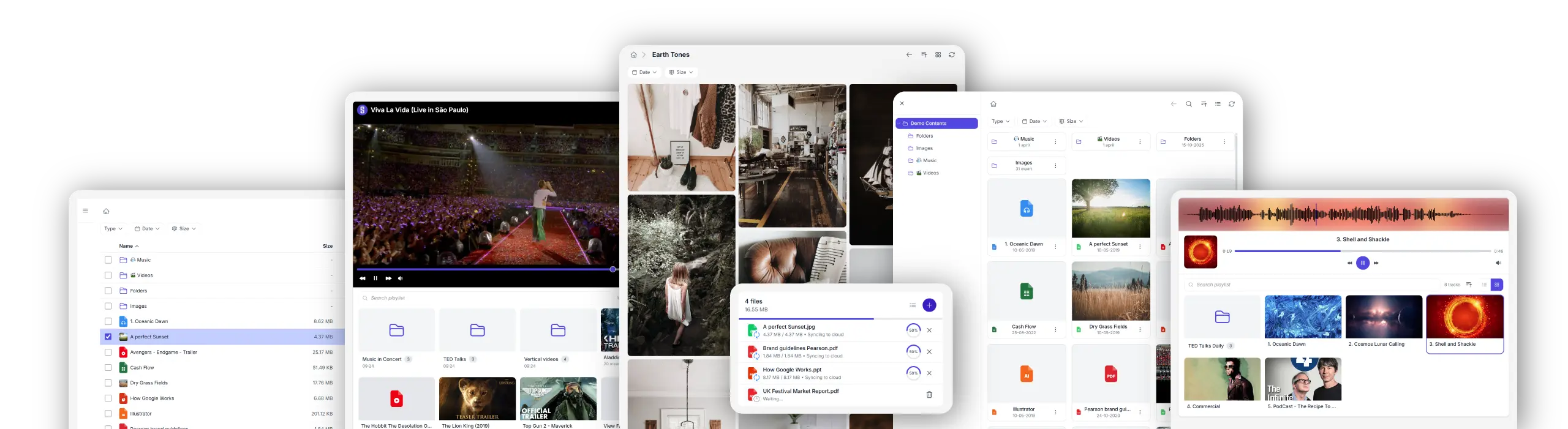
Synkivo connects Nextcloud, ownCloud, WebDAV servers, AWS S3, Wasabi, DigitalOcean Spaces, Cloudflare R2, Backblaze B2, MinIO, and S3-compatible storage to your WordPress site. Let visitors browse, download, preview, and upload files, while everything stays in your cloud.
- Files stay in your cloud. Nothing is copied to WordPress. -
One plugin. Multiple cloud providers. Your choice.
Synkivo is built for teams that care about where their files live. Whether you self-host on Nextcloud, ownCloud or your NAS for full data sovereignty on your own infrastructure, or prefer the scalability of AWS S3, Wasabi, DigitalOcean Spaces, Cloudflare R2, Backblaze B2, MinIO, and other cloud services — Synkivo connects your storage to WordPress.










8 ways to display your cloud files
Each module is visually configured — no code required. Place it anywhere with a shortcode, Gutenberg block, or page builder widget.
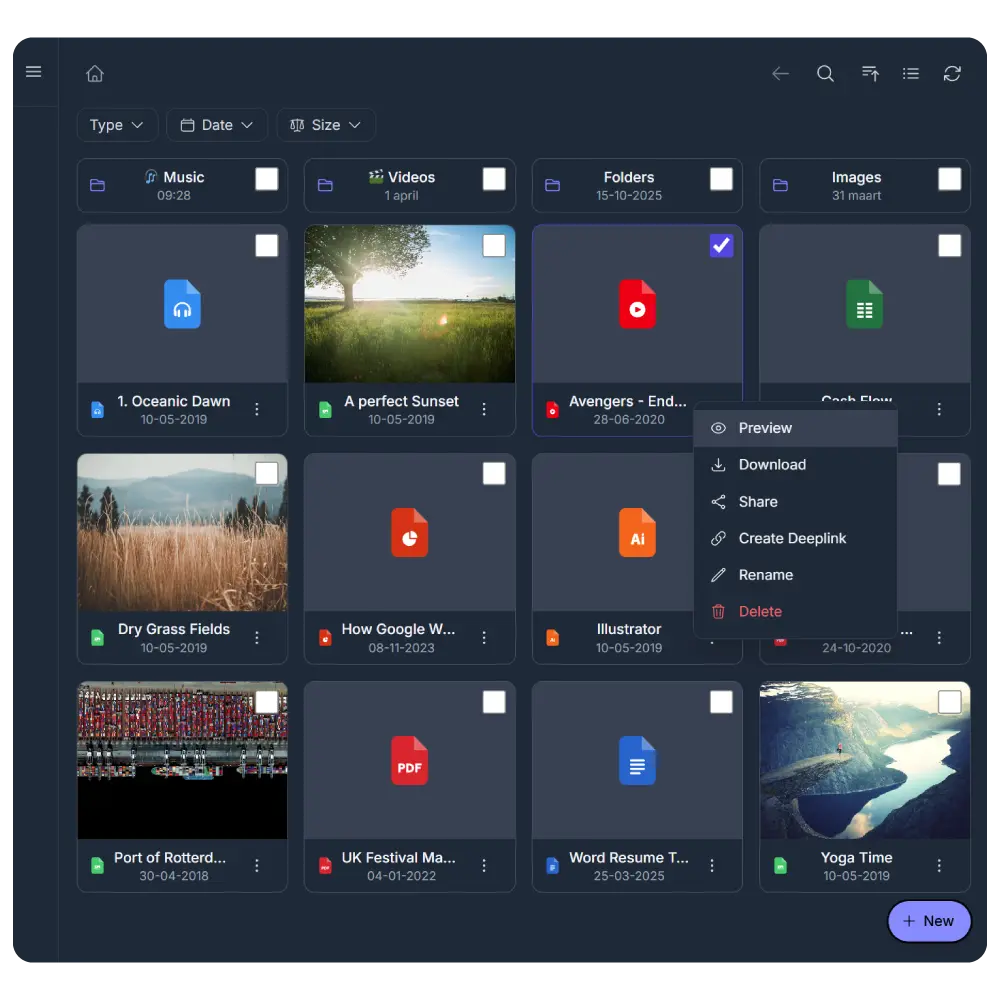
File Browser
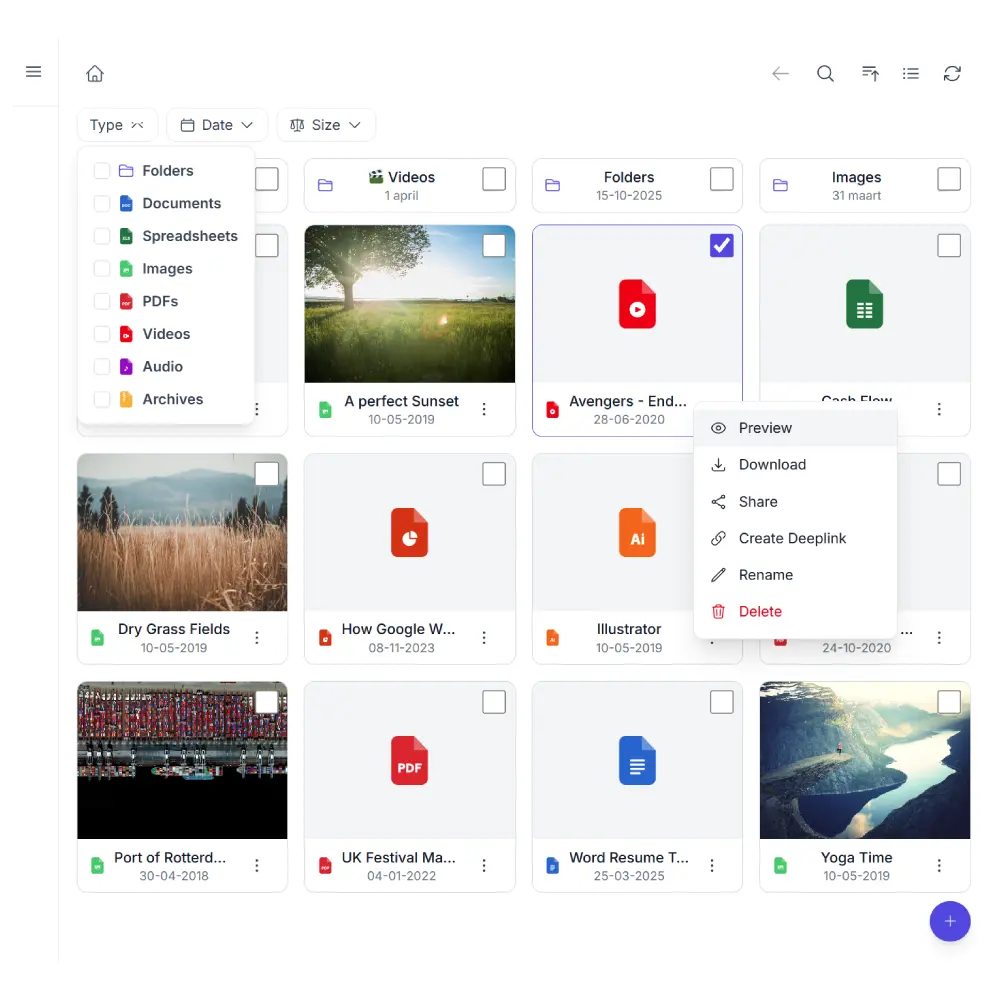
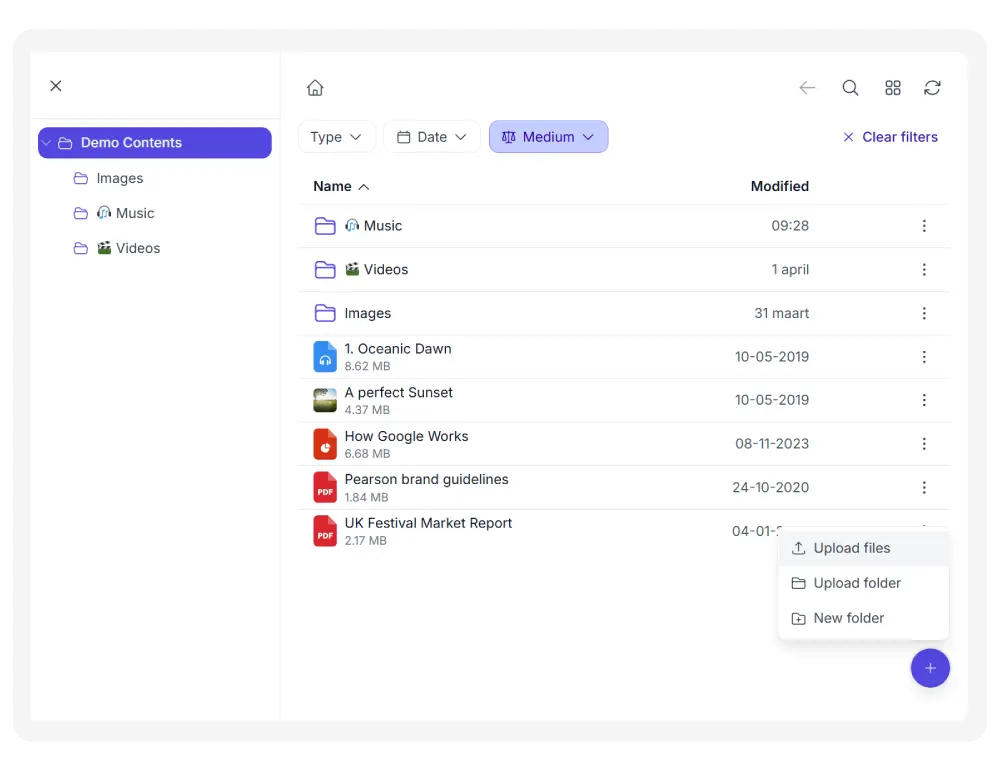
Navigate folders, download, upload, and manage files — like a native file manager on your site. Simply organize files in your cloud storage.
The File Browser will make sure that your files are automatically shown on your WordPress site. Synkivo will keep everything in sync.
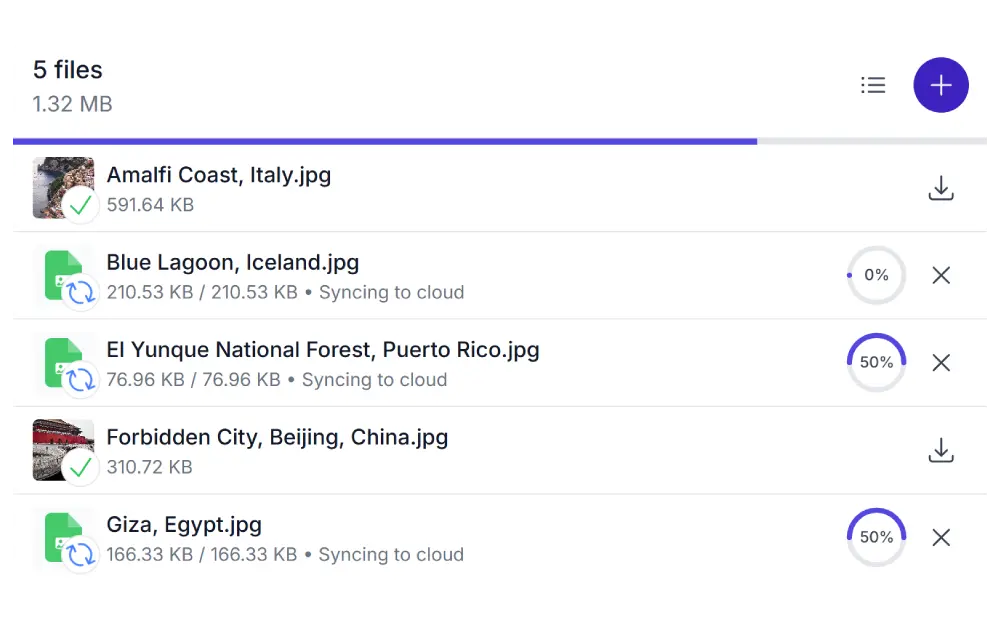
Upload Box
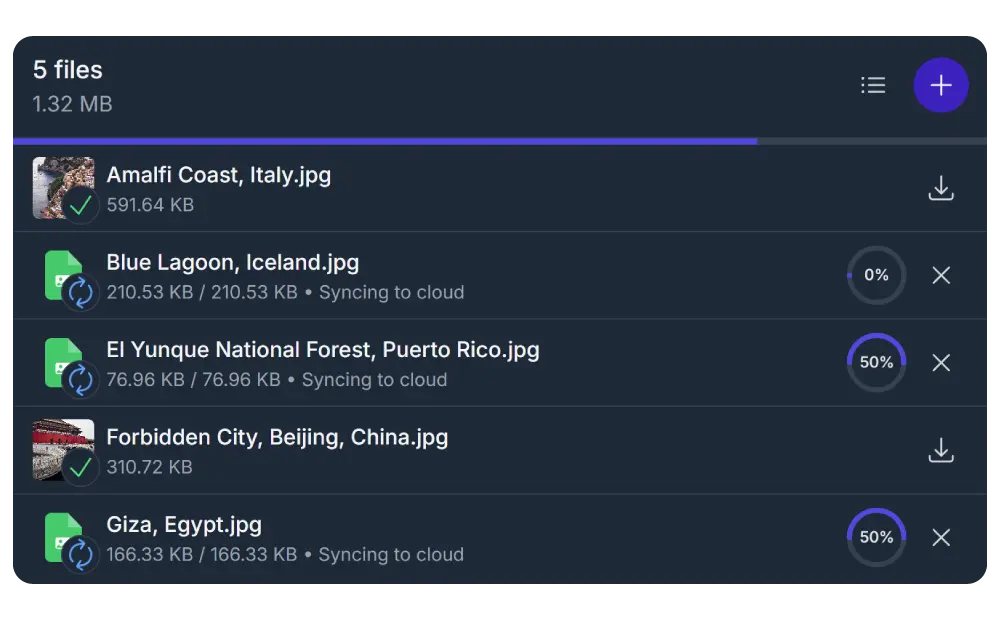
Let visitors upload files directly to your cloud storage through a drag-and-drop upload box. Set file type restrictions, size limits, and upload quotas to stay in control.
The Upload Box is even more powerful with its form plugin integrations and in combination with the Personal & Dynamic Folders feature. For example, you can create a client area on your cloud account where each client can upload their documents to their ‘own’ personal folder.
Audio Player
Want to stream your audio or podcasts via your WordPress site without sacrificing server storage?
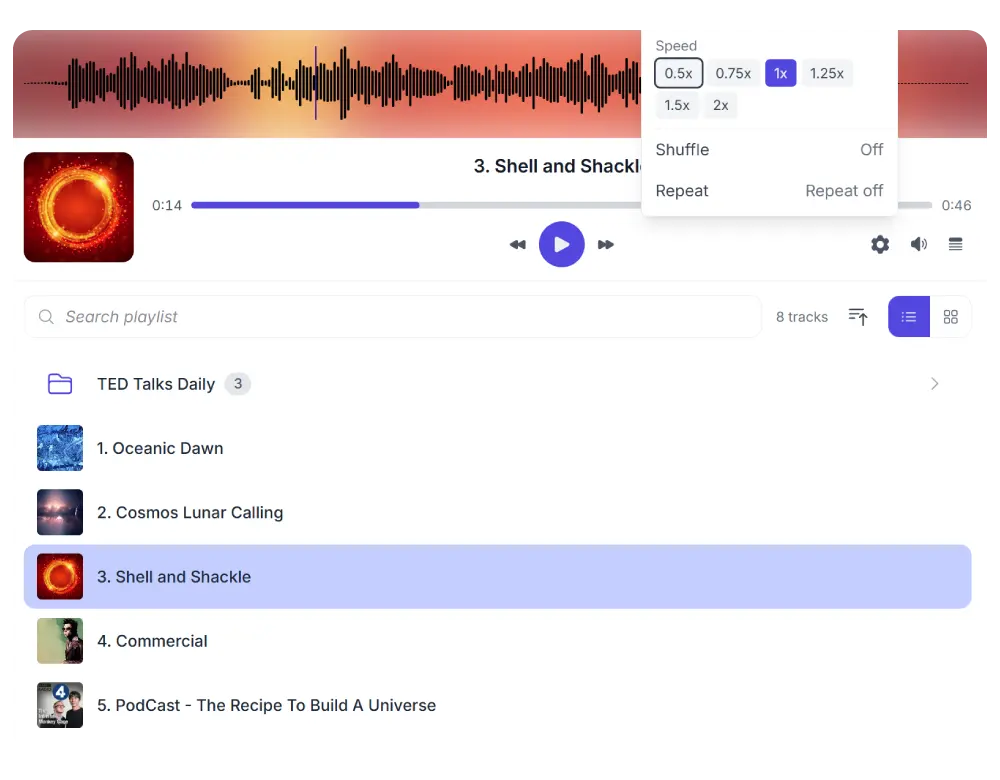
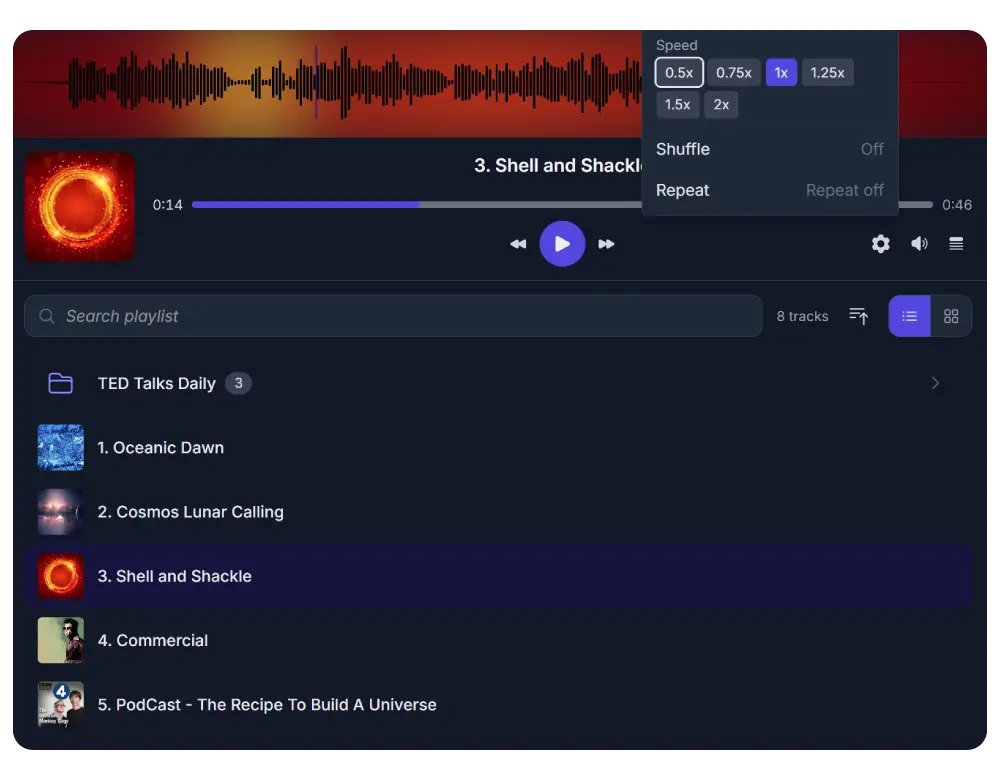
Stream audio directly from your cloud storage with waveform visualization, playlist support, and album art. An ideal Audio Player for podcasters, musicians, and course creators.
Video Player
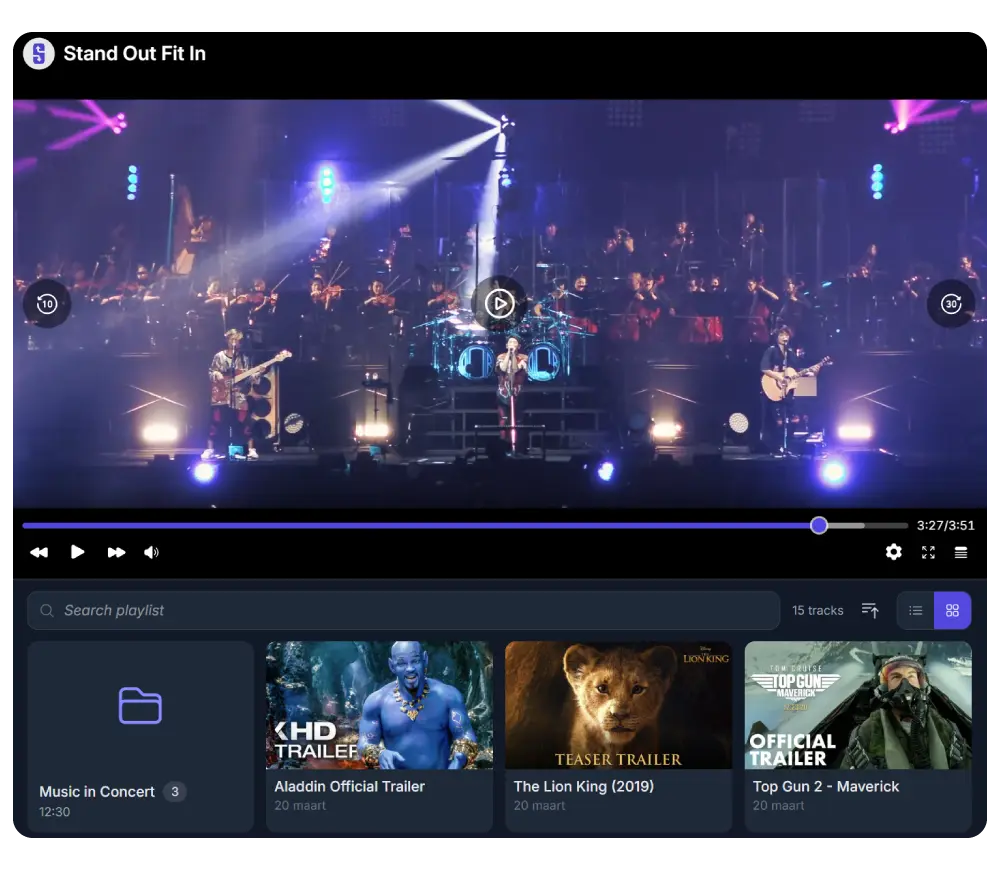
Want to stream your videos via your WordPress site without sacrificing server storage and performance?
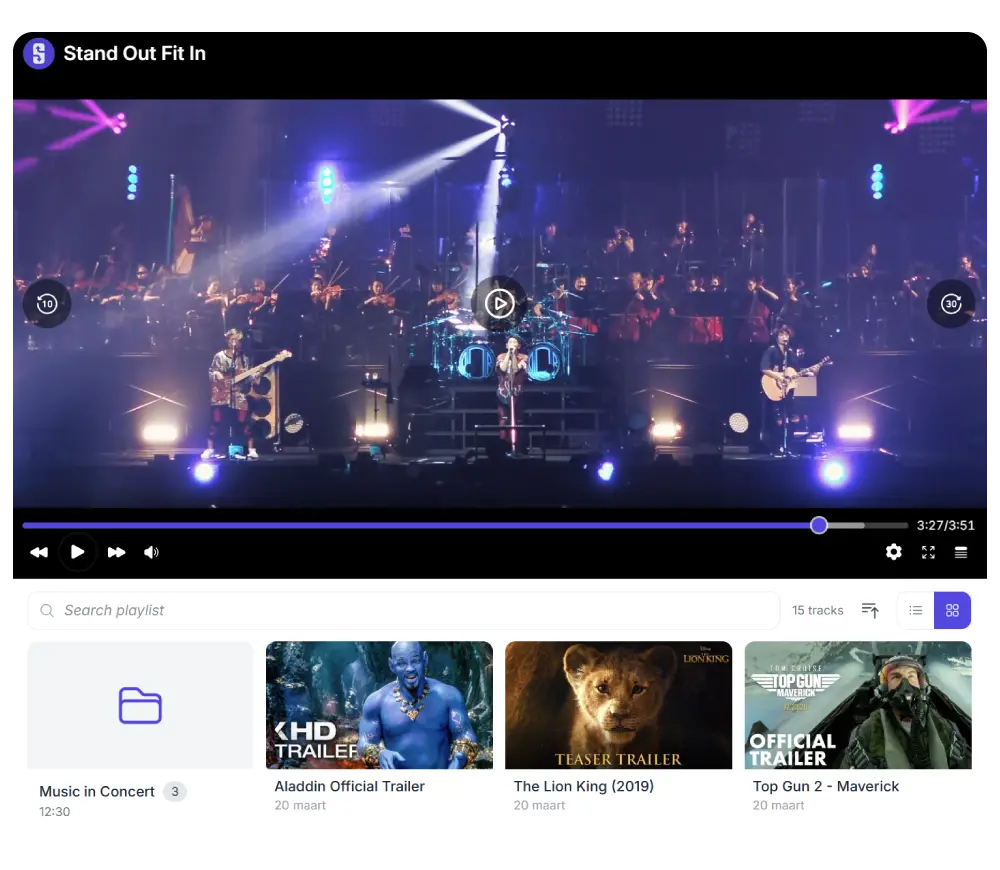
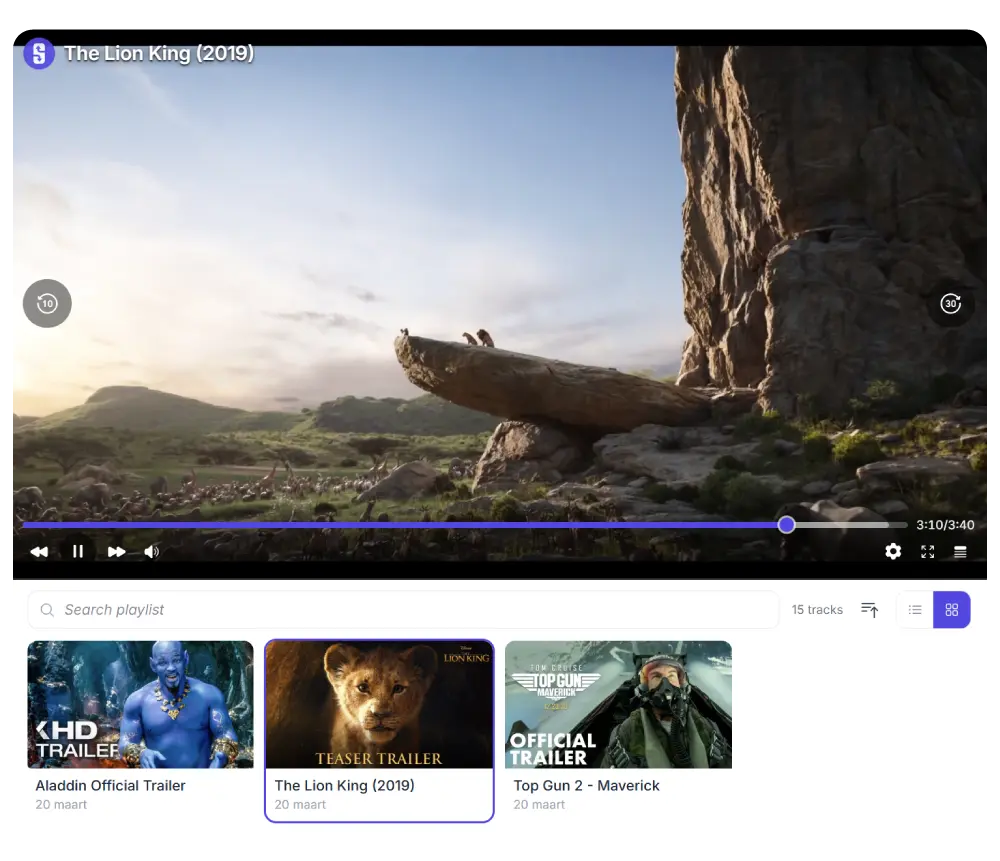
Stream cloud-hosted video with configurable aspect ratios, playback speed control, captions, and automatic playlist generation from your cloud folders using our Video Player.


Lists & Buttons
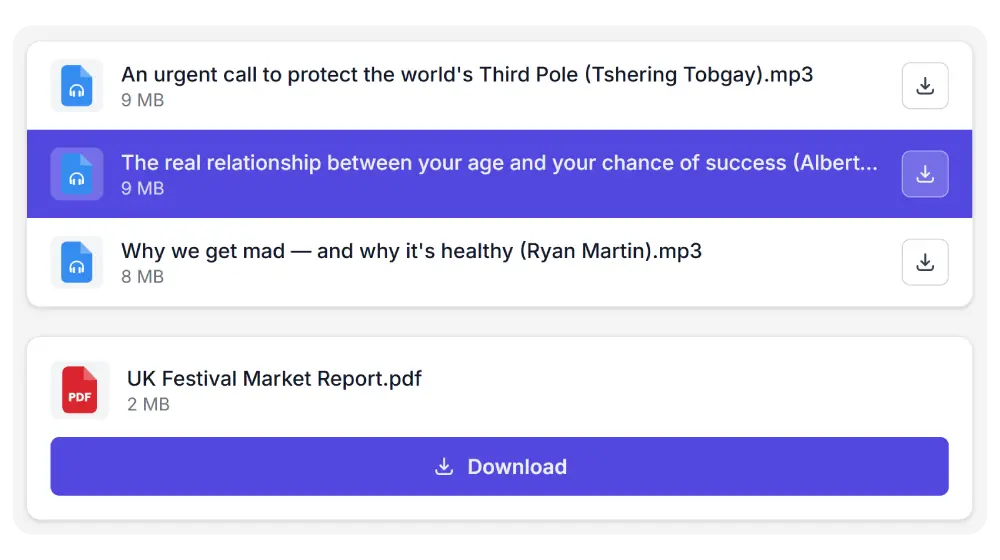
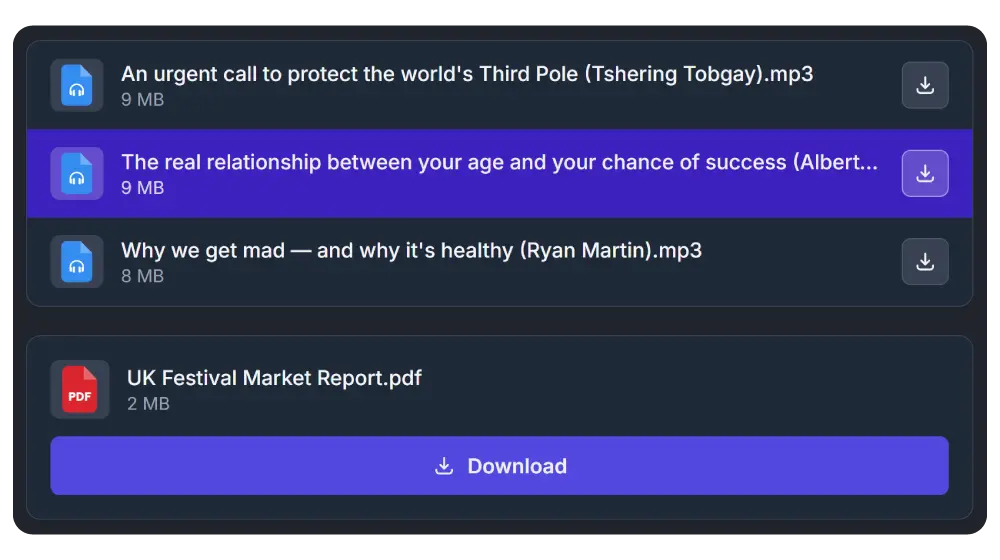
Sometimes you just need a clean file list or a download button. The List and Button modules give you minimal, focused output, perfect for whitepapers, brochures, or single-file downloads with optional ZIP bundling.
Set up in under 5 minutes
1.
Connect your cloud
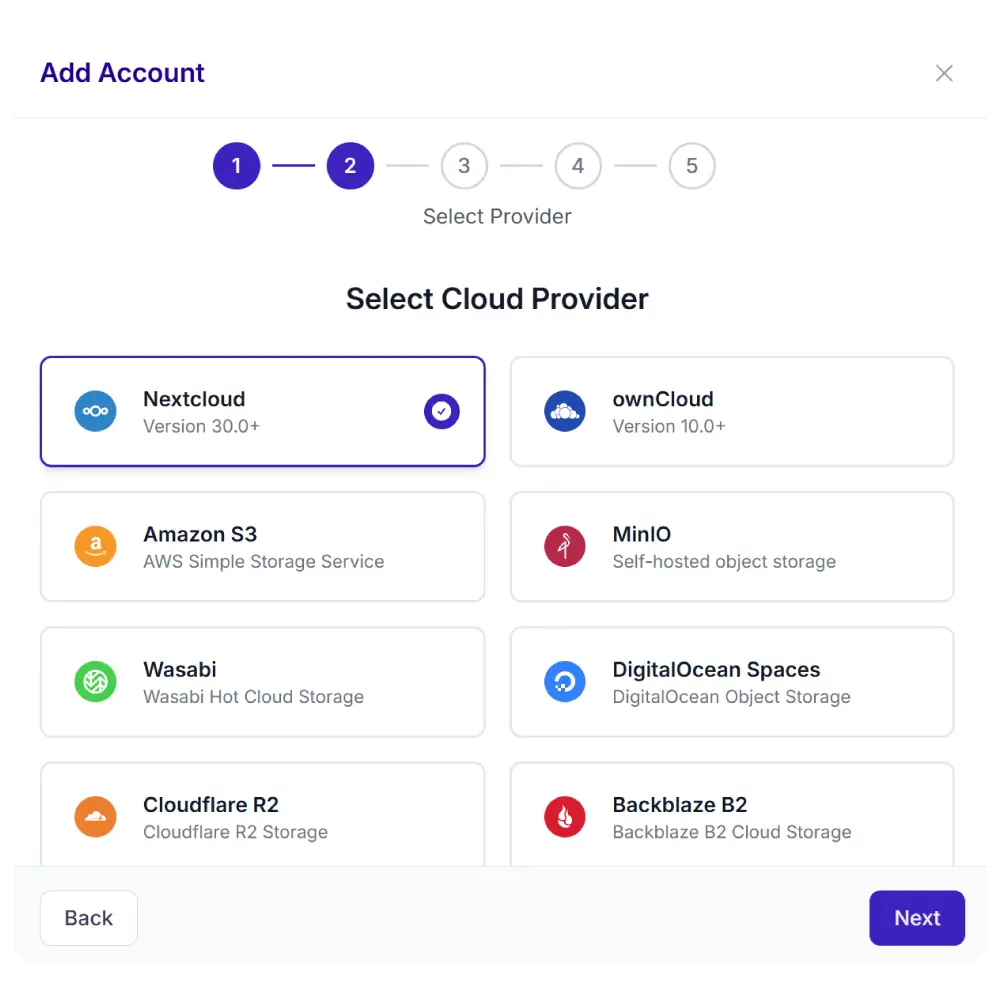
Add your Nextcloud, ownCloud, or S3 credentials. One-time setup.
2.
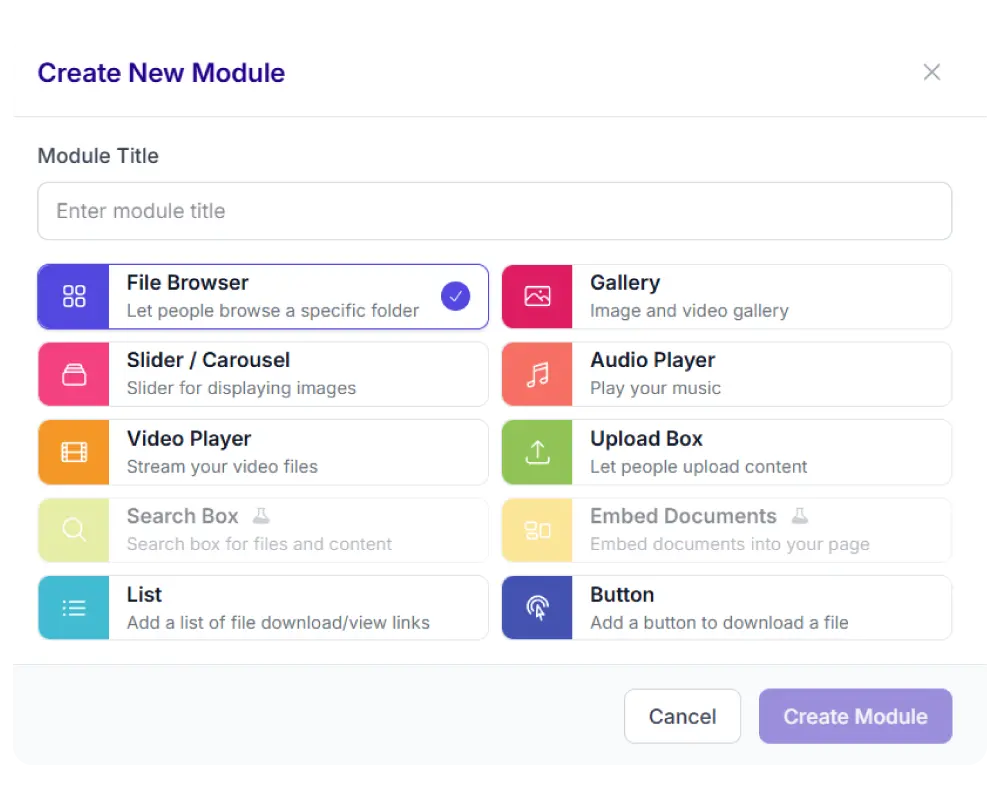
Pick a module
Choose from 8 display types: file browser, gallery, upload box, player, and more.
3.
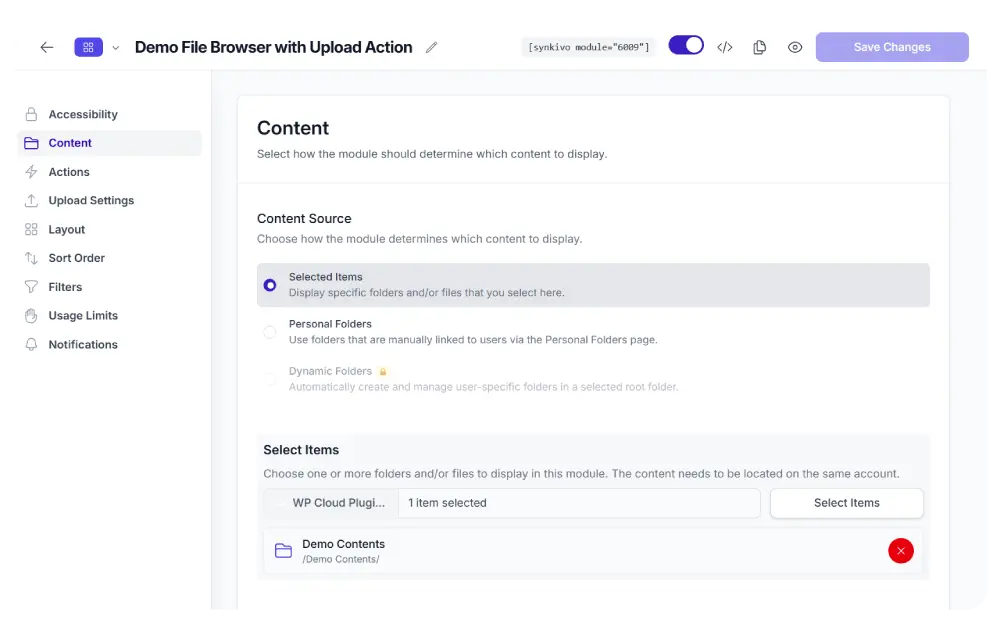
Configure visually
Set the source, permissions, appearance, and behavior. No code needed.
4.
Publish
Place the module on any page with a shortcode, Gutenberg block, or page builder widget.

9 things you’ll love about Synkivo
Files stay in your cloud
Nothing is copied to WordPress. Your files are served directly from your storage, always in sync, always current.
Secure by default
Role-based access, signed URLs, proxy downloads, password protection, and CSRF protection on every endpoint.
Personal Folders
Give each user, client, or customer their own personal cloud folder, manually or automatically.
Easy-to-use
Synkivo modules save you hours of time managing documents and media on your site, keeping your content in the cloud.
Customizable
Customize every detail. From colors and layouts to access permissions and folder structures without touching a single line of code.
Works with your stack
Gutenberg, Elementor, Divi, WPBakery, WooCommerce, Gravity Forms, Contact Form 7, and more.
Always in sync
Folders are automatically updated when your content is changed.
Easy setup
Link your account, add the module to your site and choose your content. Done.
Responsive
Synkivo uses modern UI and UX patterns. Your content will look great on both desktop and mobile pages.
Built for real workflows
Client portals
Share project files privately with each client through Personal Folders.
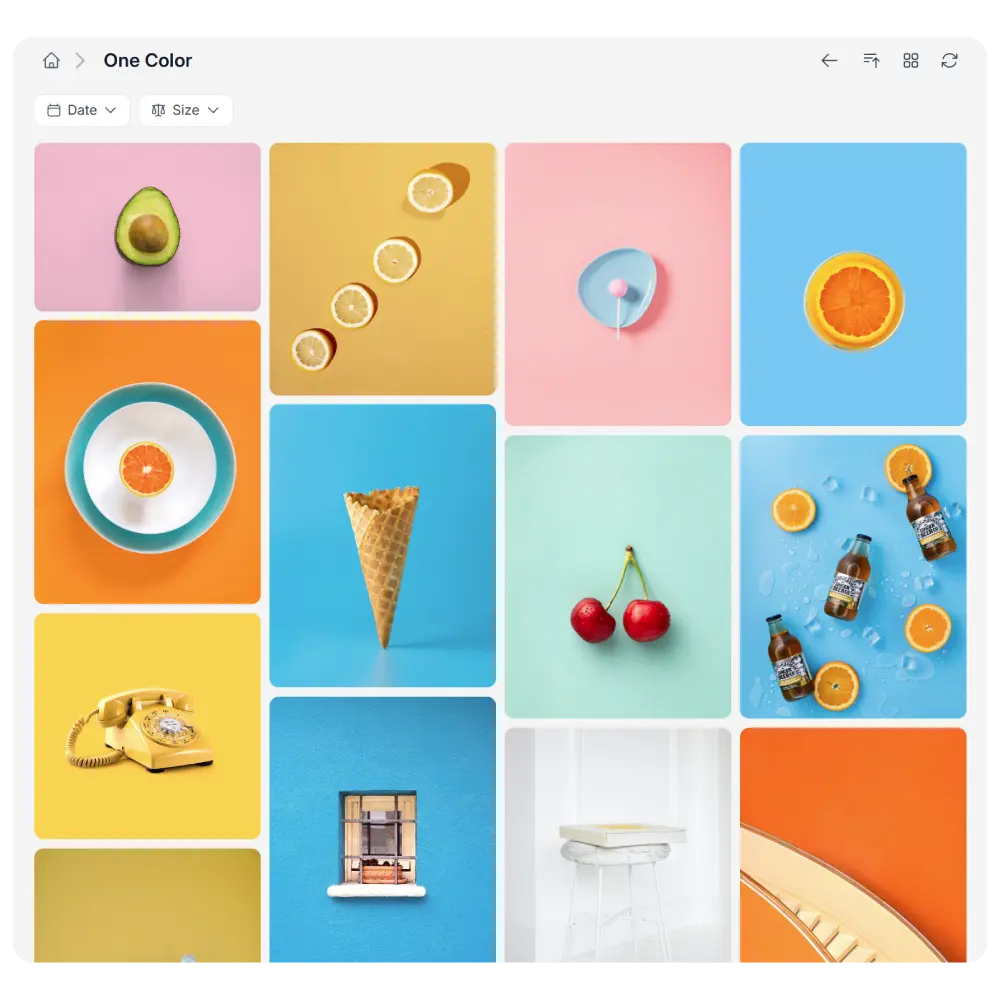
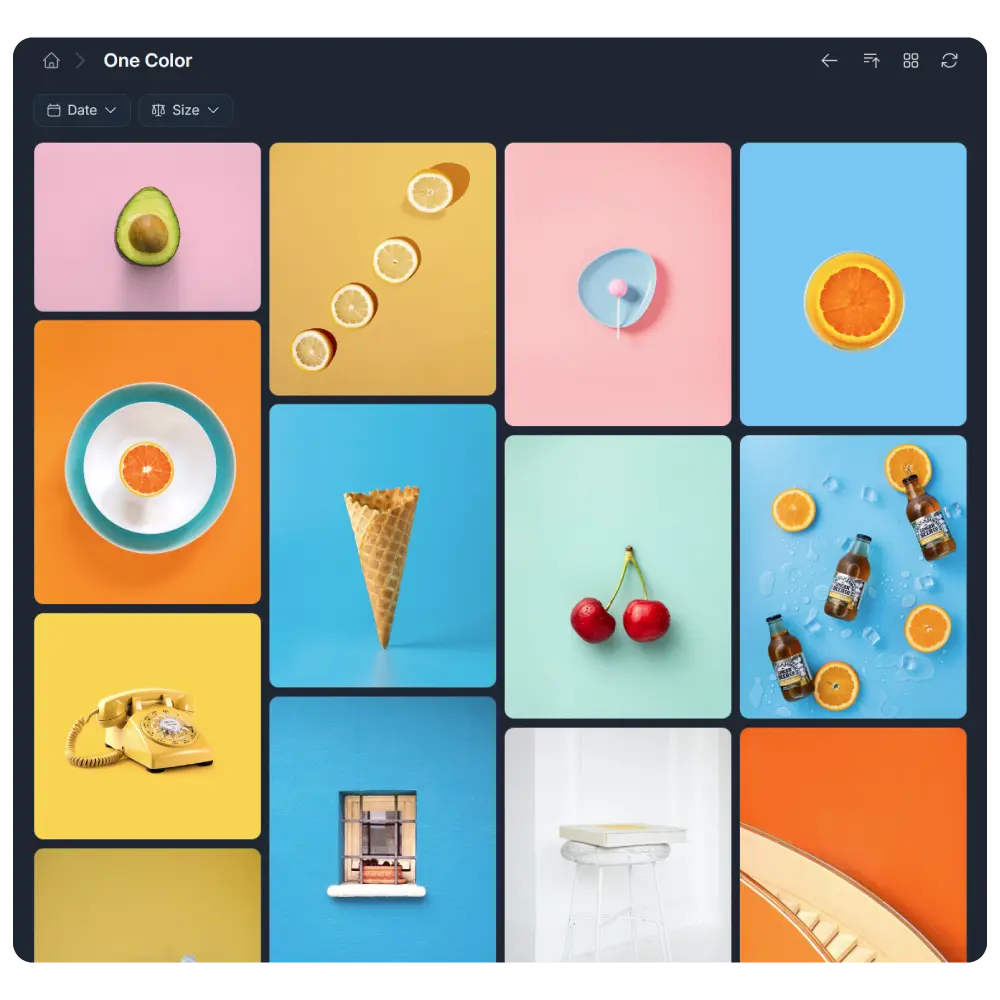
Portfolios & galleries
Showcase photography, design work, or media directly from cloud-managed folders.
Download pages
Publish brochures, whitepapers, and digital products — served directly from your cloud.
Upload portals
Receive files from clients, students, or team members through a branded upload form.
Audio & video streaming
Stream podcasts, courses, and product demos without eating server storage.
Sell digital products
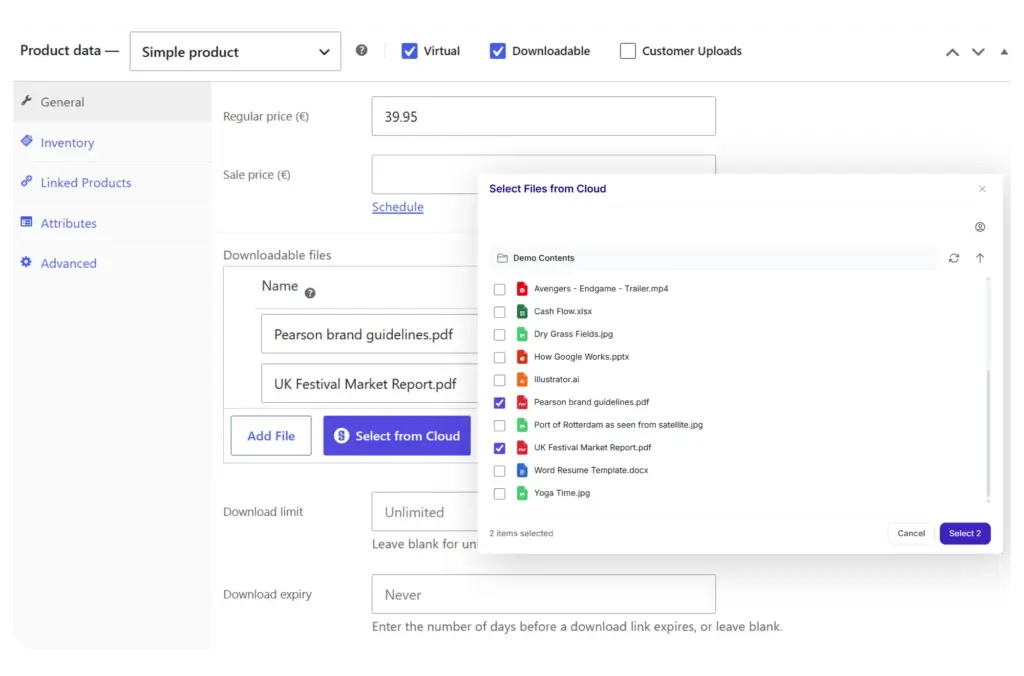
Safely deliver WooCommerce or EDD downloads from your cloud. Or let customers attach documents to their order which are stored on your cloud storage.
From the makers of WP Cloud Plugins. Trusted by 20,000+ customers since 2012 with an 4.82/5 average rating on CodeCanyon.
Simple, transparent pricing
Choose the plan that fits your project. Upgrade anytime.
Synkivo Pro
Share, manage & sell your cloud files with ease
$29
- Connect up to 3 Cloud accounts
- All 8 module types
- Inline file previews (PDF, video, audio, code, text)
- Personal Folders
- WP Media Library integration
- WooCommerce & EDD
- Upload & ZIP download
- ... and more
Synkivo Business
Let your cloud work for you — automatically —
$79
- Connect unlimited Cloud accounts
- All Pro Features
- Dynamic Folders with Lifecycle support
- WooCommerce order uploads
- White labeling
- Lead capture
- Usage restrictions
- Webhooks & Slack notifications
- ... and more

100% Risk-Free Money Back
We’re confident Synkivo will save you time and simplify your file management. But if it’s not the right fit, contact us within 14 days for a full refund. Simple as that.
Works with the tools you already use












Dedicated Support
We’re always improving and each plugin is carefully tested to work seamlessly with the latest WordPress and WooCommerce versions. However, if you ever run into a problem, we gladly help you out!
Common Questions Answered
Have any doubts about Synkivo? Here are some frequently asked questions that should answer most of yours.
What cloud providers are supported?
Is Synkivo suitable for GDPR compliance?
That depends on your setup. If you use Nextcloud or ownCloud on EU-hosted infrastructure, your files never leave your servers, which simplifies GDPR compliance. If you use AWS S3 or another commercial provider, GDPR compliance depends on your provider's data processing agreements and storage region. Synkivo itself does not transfer, store, or process your files. It only connects your WordPress site to your existing storage. Always verify with your own legal advisor.
Can I use Synkivo on multiple websites?
Yes. Choose the license that matches the number of sites you need. Single Site covers 1 WordPress installation. 5 Sites covers up to 5 installations. Unlimited covers any number of sites. If you run a multisite network, each site in the network counts as a separate installation.
Does Synkivo store or copy my files?
No. Synkivo never copies, caches, or stores your files on the WordPress server. All files are served directly from your cloud storage. The plugin only manages the connection and handles access control.
Do I need my own cloud storage?
Yes. Synkivo connects your WordPress site to your existing cloud storage. You need an active Nextcloud, ownCloud, WebDAV servers, AWS S3, Wasabi, DigitalOcean Spaces, Cloudflare R2, Backblaze B2, MinIO, or S3-compatible account. Synkivo does not provide storage. Your files stay exactly where you put them.
How can I update Synkivo to the latest version?
Updates will always show up via your WordPress Update Dashboard when they are released. Updates are rolled out gradually to ensure a smooth and seamless experience for all users.
Can I try before I buy?
A live demo is available on the website where you can test all module types with real cloud files. If you purchase and are not satisfied, you are covered by the 14-day money-back guarantee.
What’s your refund policy?
We stand firmly behind our products. If, within 14 days of purchase, you find our product unsuitable and are unhappy with your experience, we will gladly refund your money.
What is the difference between Pro and Business?
Pro gives you everything you need to display, manage, and share cloud files on your WordPress site. You get all 8 module types, file management, uploads, Personal Folders, WooCommerce, form builder integrations, and email notifications.
Business adds automation and advanced controls: Dynamic Folders that auto-create folders per user or order, WooCommerce order uploads, move and copy, webhooks, Slack notifications, lead capture, download limits, white labeling, and unlimited report history with CSV export.
Short version: Pro is for manual workflows. Business is for automated ones.
Can I upgrade from Pro to Business later?
Yes. You can upgrade at any time from your WordPress dashboard. Freemius calculates a prorated credit for your remaining Pro subscription and applies it to the Business price. No data is lost during the upgrade.
What happens when my license expires?
Your modules will continue to work on the frontend for your visitors. However, you will no longer receive plugin updates or support. The admin dashboard will show a renewal notice. You can renew at any time to restore access to updates and support.
What payment methods do you accept?
Payments are processed securely by Freemius. You can pay with Visa, Mastercard, American Express, Discover, and PayPal. All prices are in USD. EU VAT is handled automatically at checkout