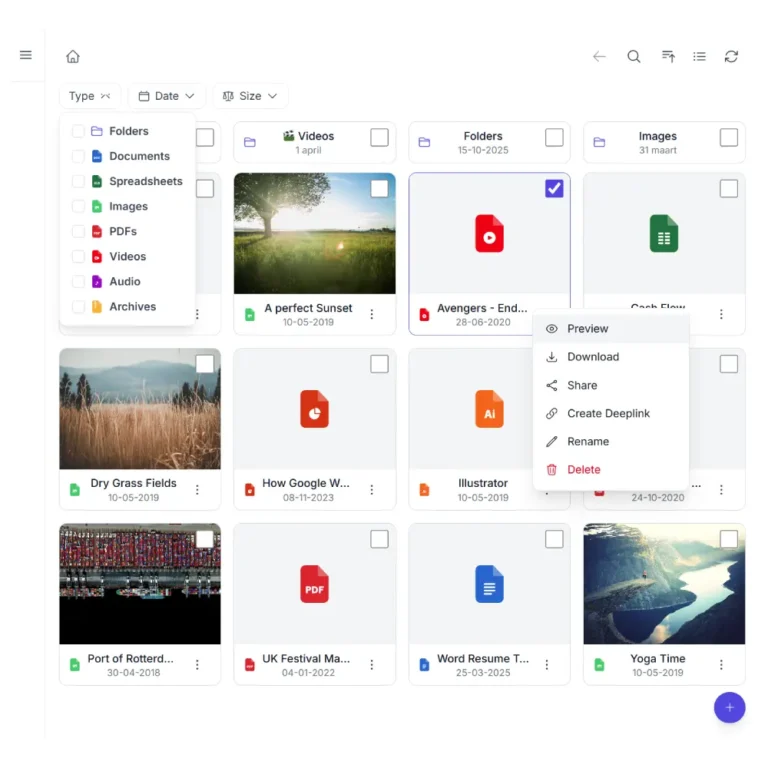
Manage your slider from your cloud, not from WordPress. Add an image to the folder. It appears on your site. Remove it, and it disappears. Works with Nextcloud, ownCloud, Dropbox, OneDrive, SharePoint, AWS S3, Wasabi, DigitalOcean Spaces, Cloudflare R2, Backblaze B2, MinIO, pCloud, WebDAV servers, and S3-compatible storage.
This is a live Carousel connected to a real folder in cloud storage. Swipe, click the arrows, or wait for autoplay. Click a slide to open the full-size image in a lightbox.
Demo using AWS S3
One plugin. Multiple cloud providers. Your choice.
Synkivo is built for teams that care about where their files live. Whether you self-host on Nextcloud, ownCloud or your NAS for full data sovereignty on your own infrastructure, or prefer the scalability of AWS S3, Wasabi, DigitalOcean Spaces, Cloudflare R2, Backblaze B2, MinIO, and other cloud services — Synkivo connects your storage to WordPress.
Build your WordPress image slider from Nextcloud, ownCloud, Dropbox, OneDrive, SharePoint, AWS S3, Wasabi, DigitalOcean Spaces, Cloudflare R2, Backblaze B2, MinIO, pCloud, WebDAV servers, and S3-compatible storage cloud folder. No manual slides. No image uploads to WordPress.
Configure visually. No code needed.
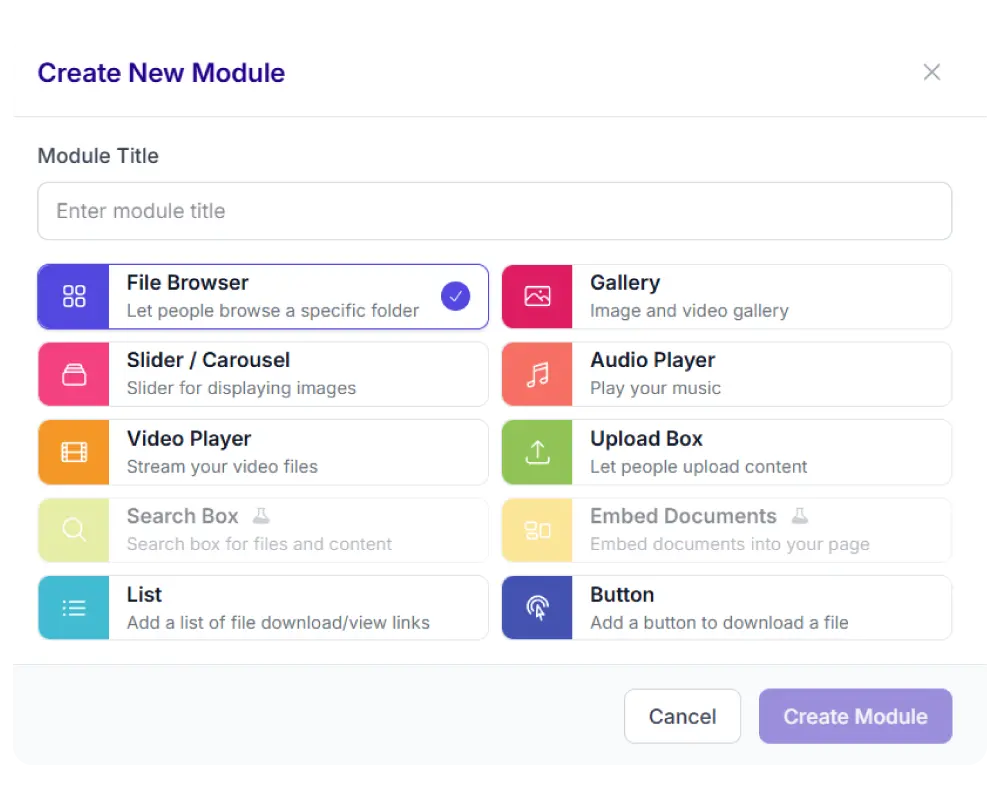
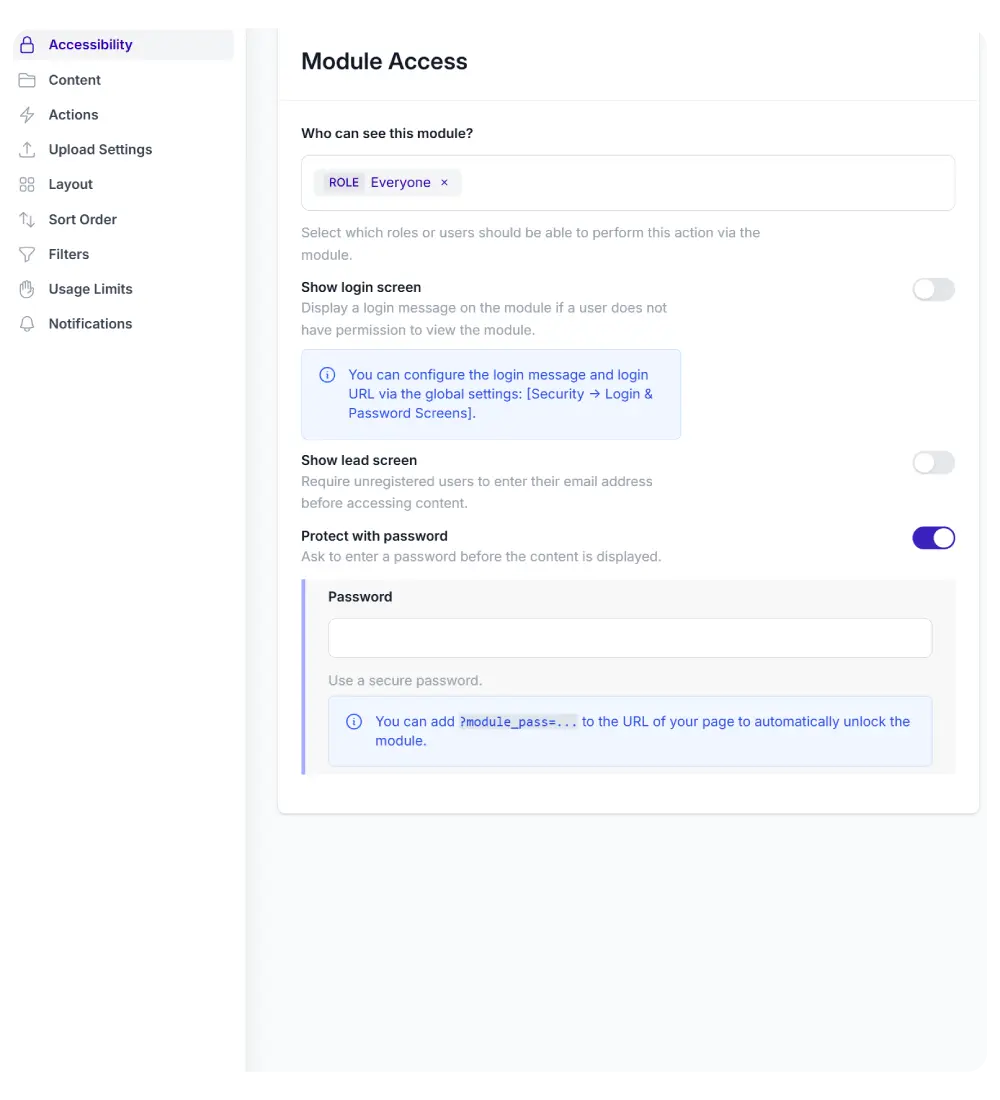
Set up the Carousel through the Module Configurator. No code
required.
Number of slides in viewport
Horizontal or vertical slide direction
Autoplay with configurable delay and pause on hover
Animation speed and slides per transition
Slide height, gap, and border radius
Click behavior: lightbox, download, or nothing
Caption display: hover, inline, or info button
Sort by name, date, size, or shuffle
Place the finished module on any page using a shortcode, Gutenberg
block, or page builder widget.
Polish and performance built in
Every slider you create includes these features by default.
Your accent color
Active dots, hover states, and action buttons use your site's accent color. Configured once, applied everywhere.
Always in sync
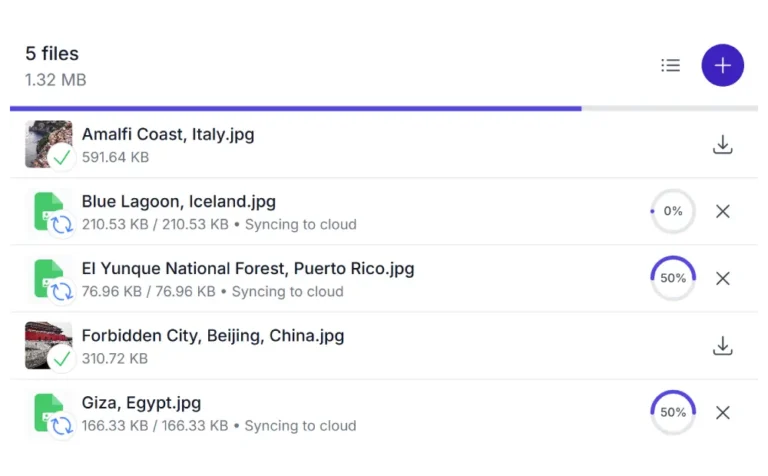
Your slider updates automatically when you add, remove, or rename images in your cloud folder.
Smart preloading
Preloads the next slides before they enter the viewport. No blank frames during fast swiping.
Recursive folders
Images from all subfolders are included automatically. Organize in the cloud, show everything in one carousel.
Auto size
Let each slide use its natural aspect ratio. Mix landscape and portrait images in the same carousel.
Responsive
Synkivo layouts adapt to any screen width. Works on mobile without separate configuration.
Works with the tools you already use
Place the Slider in any page builder: Gutenberg, Elementor, Divi 5, or WPBakery. Use it inside existing page templates without touching your theme. The Slider adapts to the width of its container automatically.