
8 ways to display your cloud files
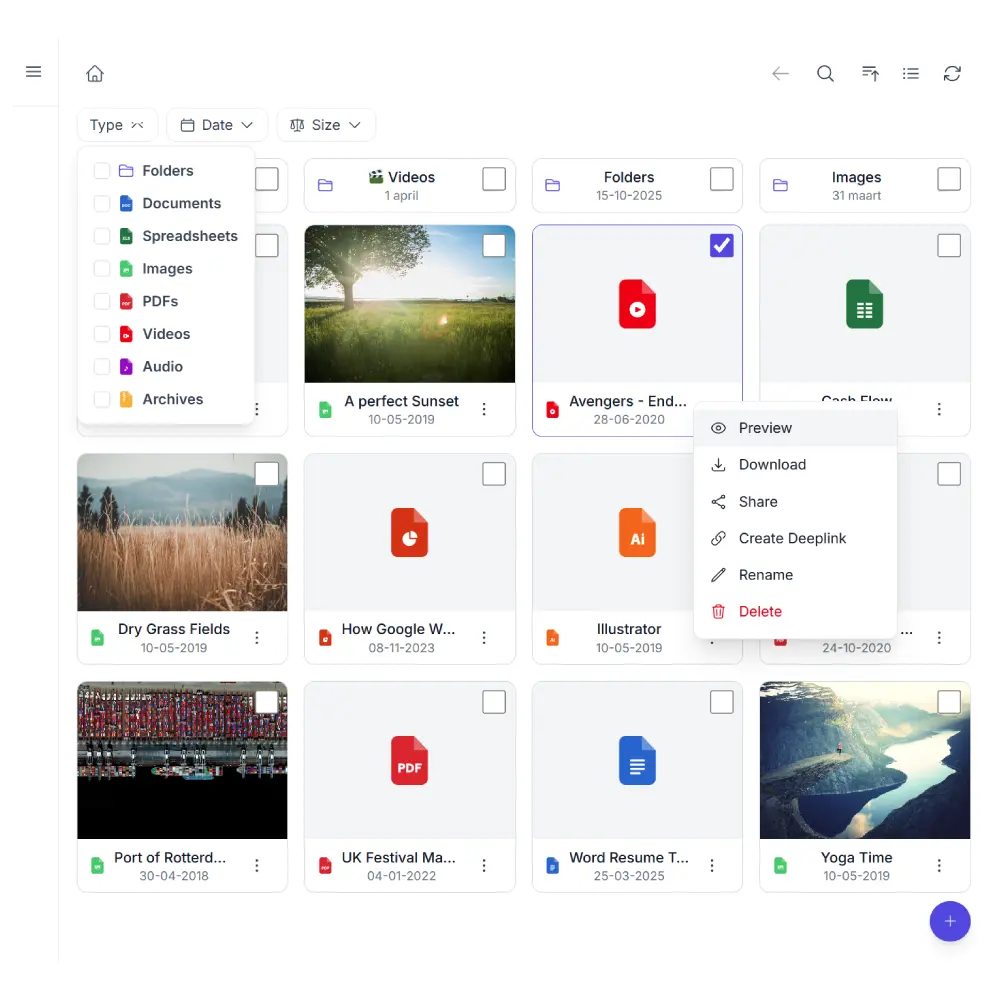
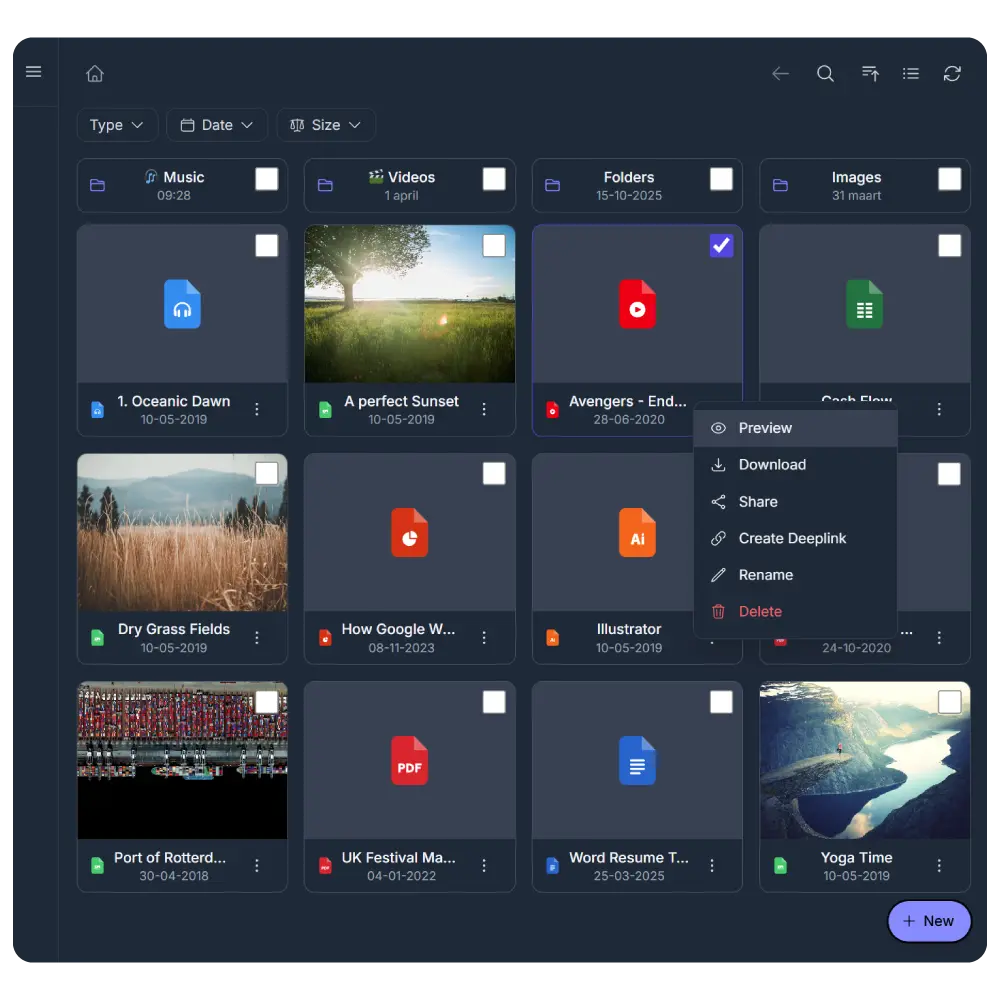
File Browser
- Grid and list view with breadcrumb navigation
- Inline previews for PDF, images, video, audio, and code
- Upload via drag-and-drop with file type and size restrictions
- Search by file name. Full-text search for providers that support it
- File management: rename, delete, create folders (move and copy on Business)
Gallery
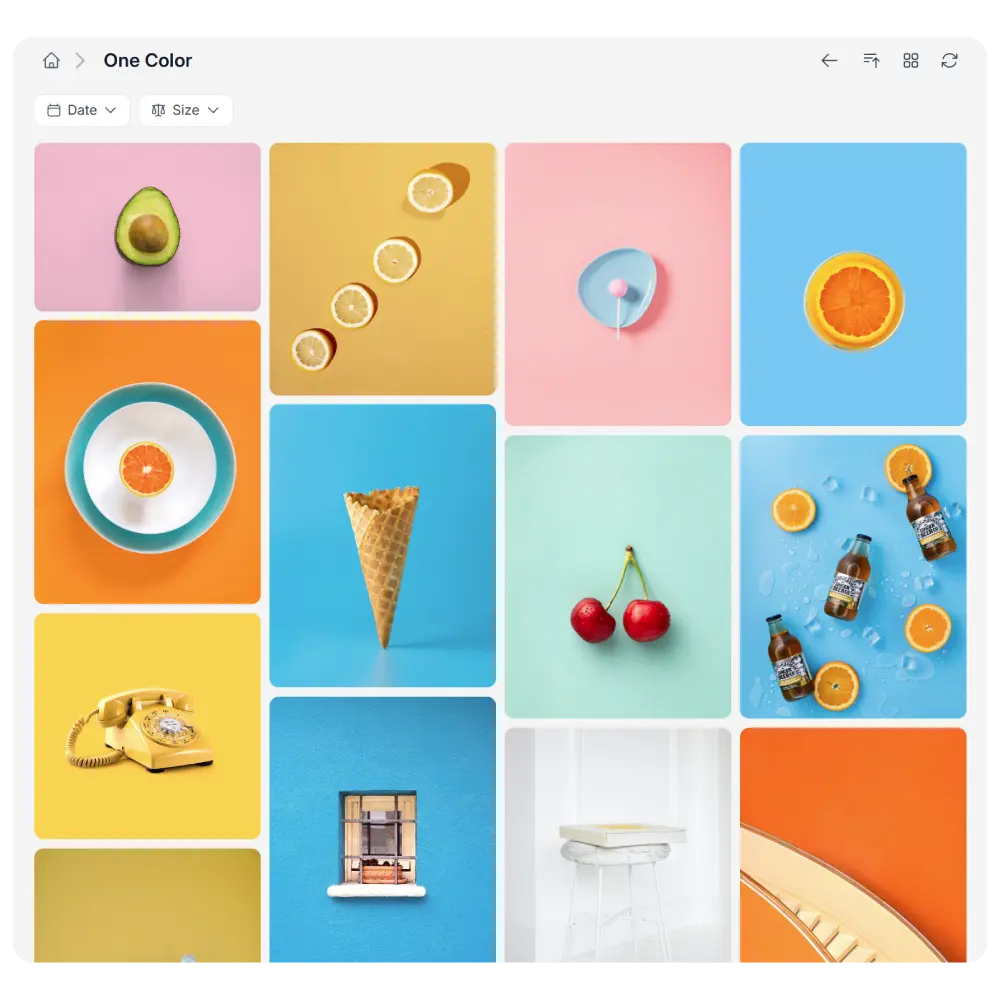
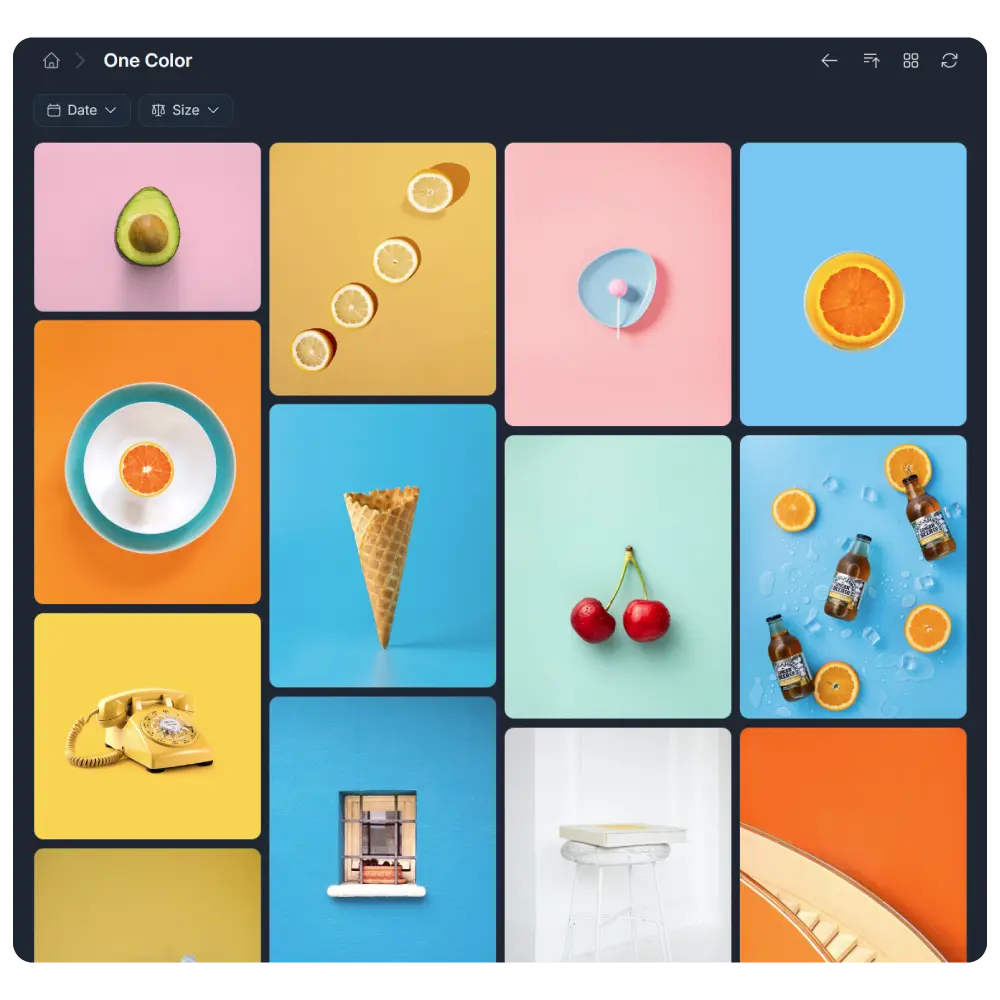
- Justified, masonry, and grid layouts
- Built-in lightbox with slideshow, zoom, and swipe navigation
- Subfolder navigation inside the gallery
- Automatic sync: add or remove images in your cloud, the gallery follows
- Share links for individual images or folders
Upload Box
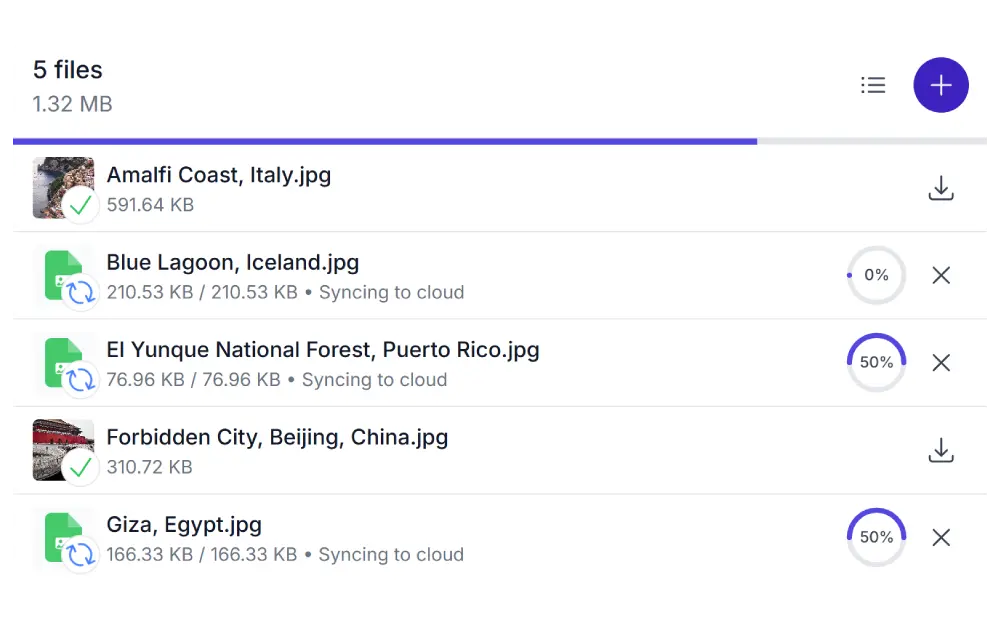
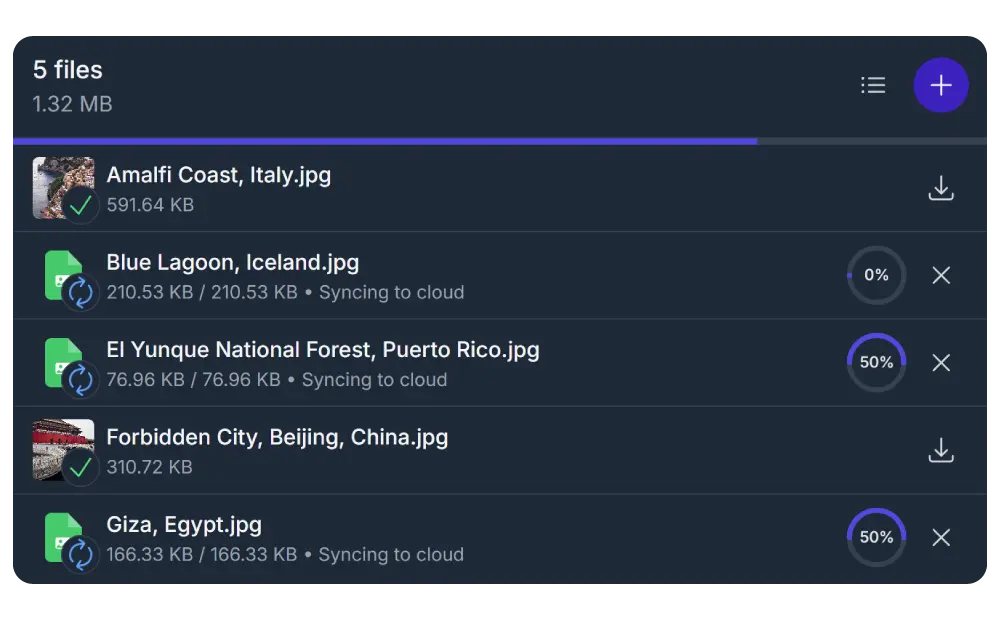
- Drag-and-drop with real-time progress bars
- File type, size, and count restrictions
- Folder uploads with preserved structure
- Auto-rename using placeholders (date, username)
- Embed as a field in Contact Form 7, WPForms, Gravity Forms, and more
- WooCommerce order uploads (Business)
Audio Player
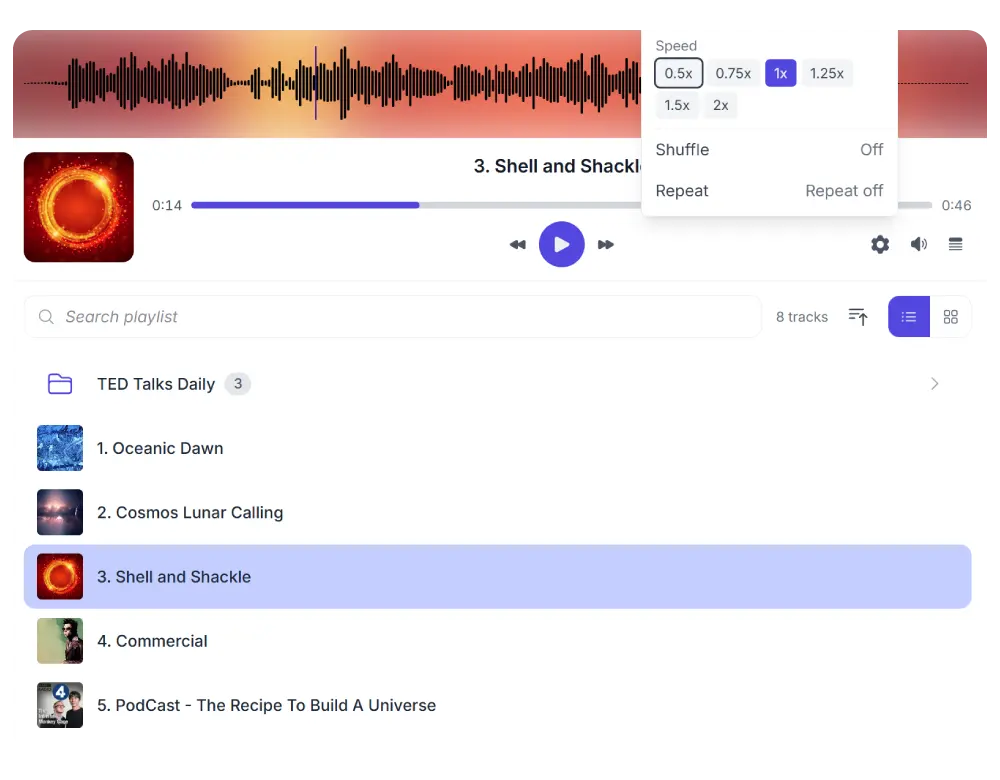
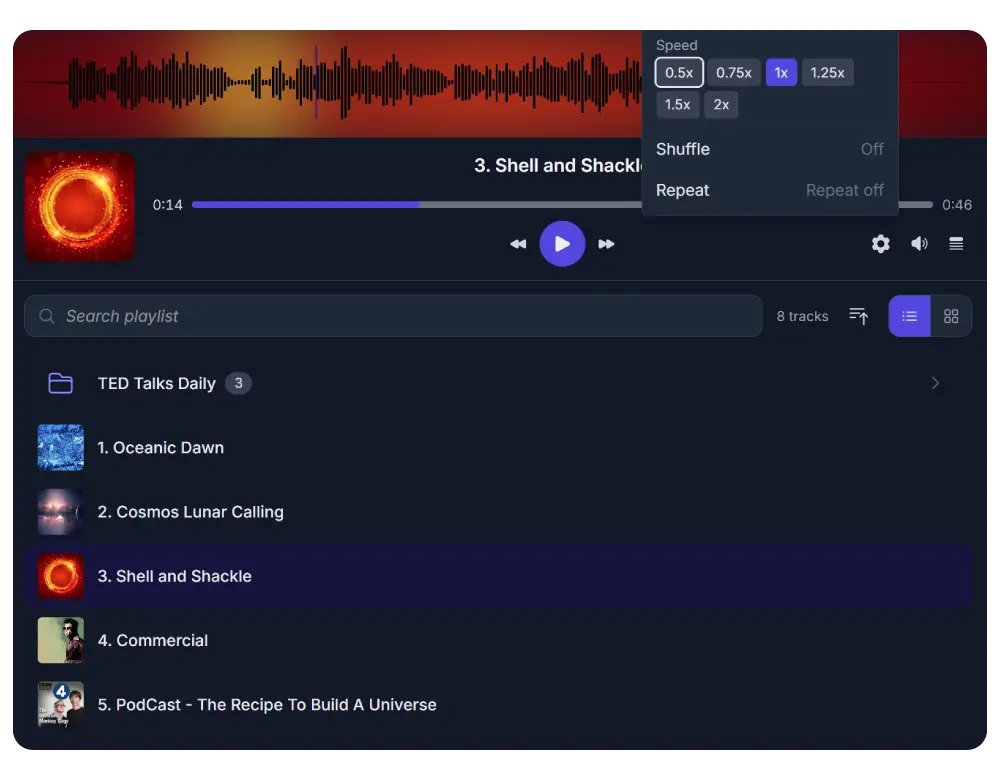
- Waveform visualization with click-to-seek
- Automatic playlist from cloud folder and subfolders
- Playback speed control (0.5x to 2x)
- Album art from metadata or companion image files
- Resume playback: remembers last track and position
- Keyboard shortcuts and Media Session API support
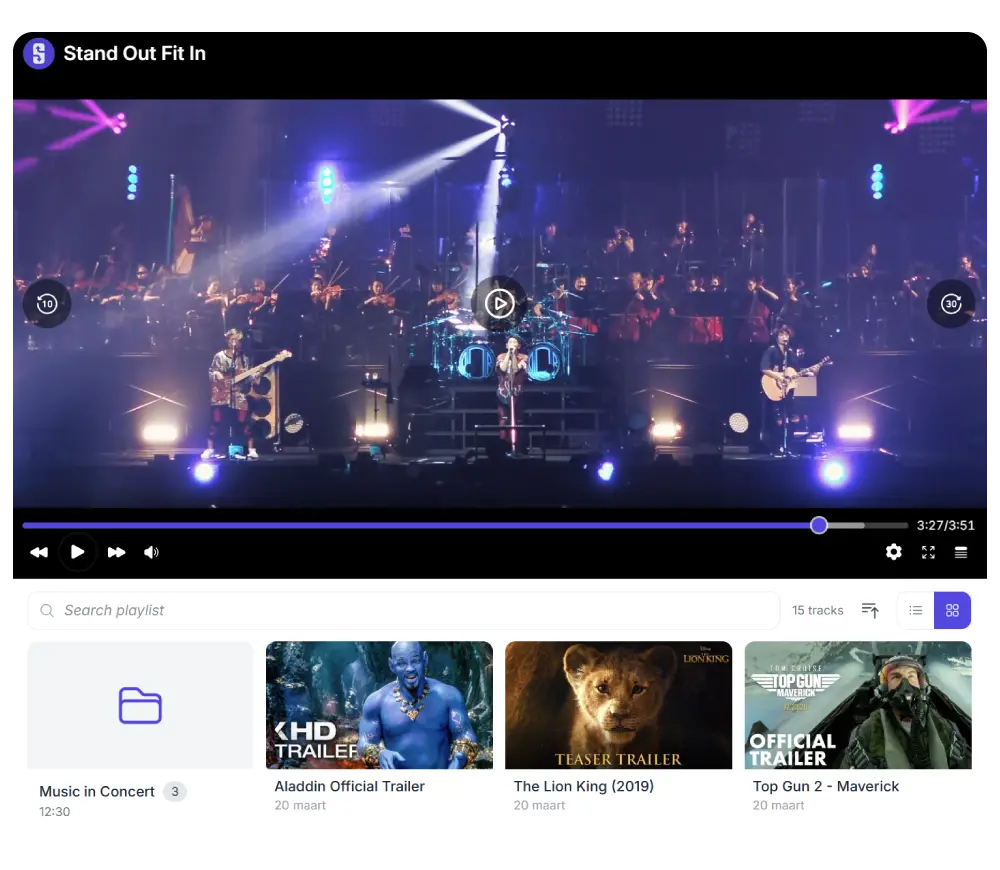
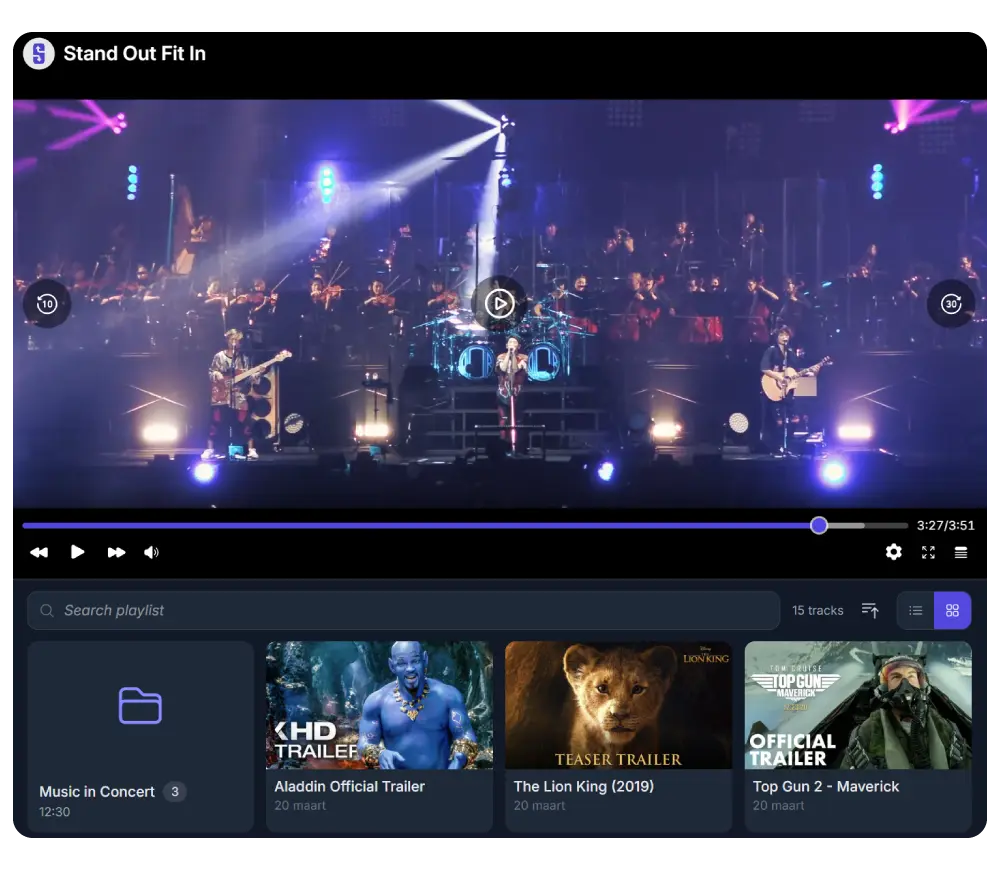
Video Player
- Automatic playlist from folder and subfolders
- Subtitle support via VTT files with multi-language selection
- 8 aspect ratio presets or auto-detect from video
- Picture-in-Picture and AirPlay/Chromecast casting
- Playback speed control (0.5x to 2x)
- Poster frames from metadata or companion images

Slider / Carousel
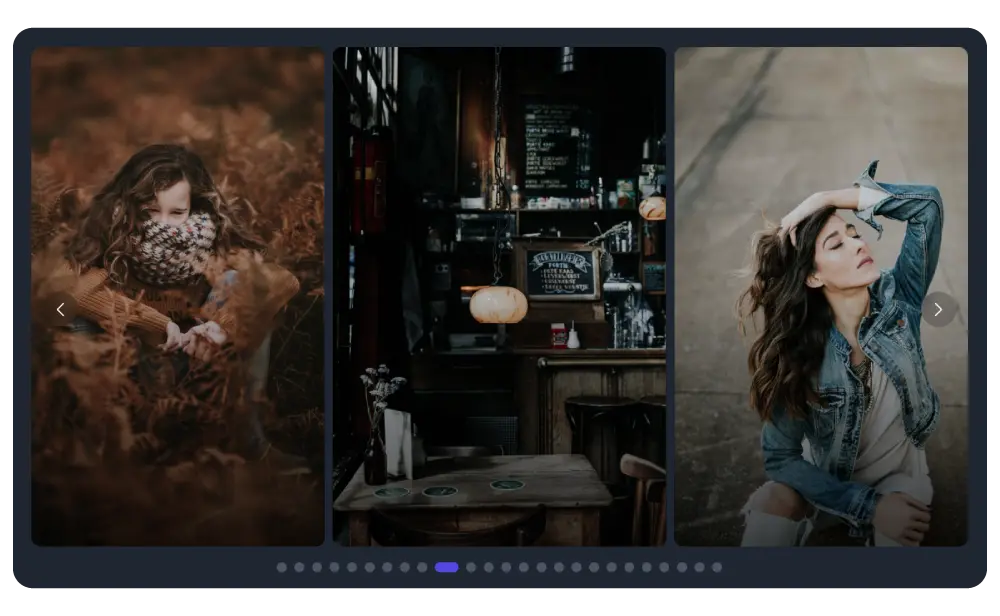
- Autoplay with configurable delay and pause on hover
- Swipe, arrow, and dot navigation
- Horizontal or vertical slide direction
- Click-to-lightbox for full-size viewing
- Responsive: adjusts slides per viewport automatically
- Recursive: includes images from all subfolders
File List
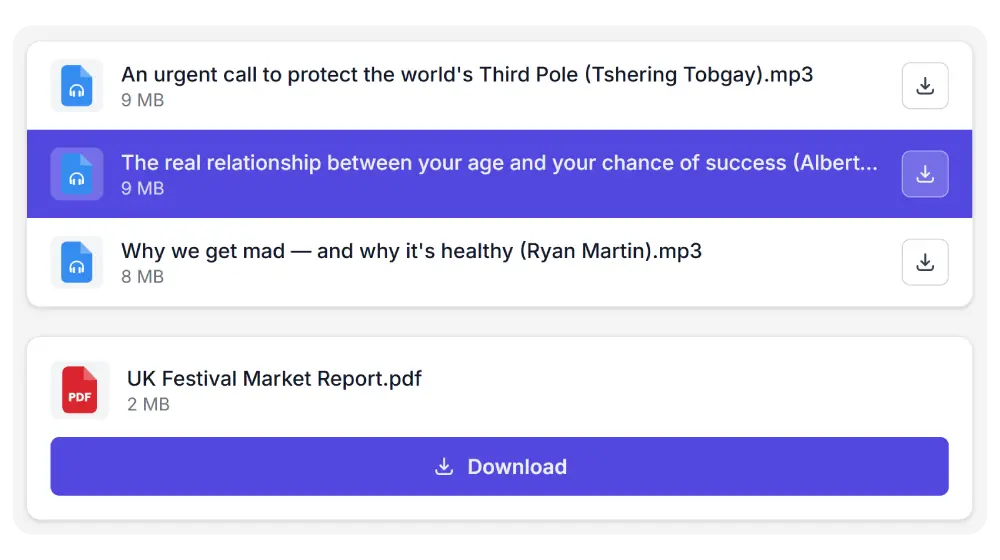
- Clean rows with file type icon, name, size, and actions
- Preview or download per click (configurable)
- ZIP download for folders
- Sort by name, size, date, or shuffle
- Role-based access control
- Server-rendered HTML for instant loading
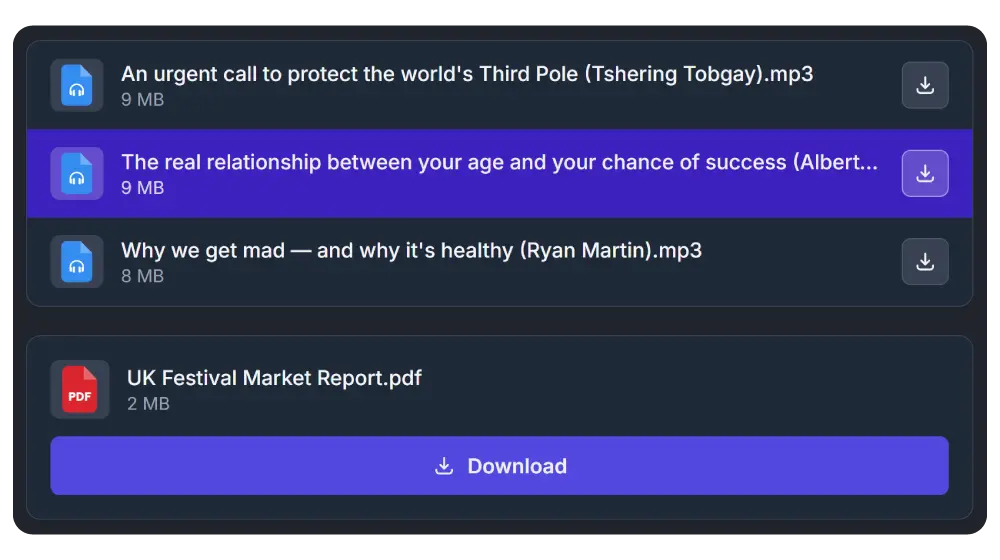
Download Button
- Individual download buttons per file with name and size
- Single ZIP button for multi-file downloads with custom label
- Sort by name, size, date, or shuffle
- Role-based access control
- Accent color styling
- Server-rendered HTML for instant loading
Compare all modules
| File Browser | Gallery | Upload Box | Audio Player | Video Player | Carousel | List | Button | |
|---|---|---|---|---|---|---|---|---|
| Folder navigation | ✓ | ✓ | — | ✓ | ✓ | — | — | — |
| Grid view | ✓ | ✓ | — | ✓ | ✓ | — | — | — |
| List view | ✓ | — | — | ✓ | ✓ | — | ✓ | — |
| Lightbox preview | ✓ | ✓ | — | — | — | ✓ | — | — |
| Upload | ✓ | ✓ | ✓ | — | — | — | — | — |
| Download (single) | ✓ | ✓ | ✓ | ✓ | ✓ | ✓ | ✓ | ✓ |
| ZIP download | ✓ | ✓ | — | ✓ | ✓ | — | ✓ | ✓ |
| Search | ✓ | ✓ | — | ✓ | ✓ | — | — | — |
| Share links | ✓ | ✓ | — | ✓ | ✓ | — | — | — |
| File management | ✓ | ✓ | — | — | — | — | — | — |
| Playlist | — | — | — | ✓ | ✓ | — | — | — |
| Waveform | — | — | — | ✓ | — | — | — | — |
| Subtitles | — | — | — | — | ✓ | — | — | — |
| Autoplay | — | — | — | ✓ | ✓ | ✓ | — | — |
| Playback speed | — | — | — | ✓ | ✓ | — | — | — |
| Form plugin integration | ✓ | — | ✓ | — | — | — | — | — |
| WooCommerce order uploads | ✓ | — | ✓ | — | — | — | — | — |
| Personal Folders | ✓ | ✓ | ✓ | ✓ | ✓ | — | — | — |
| Dynamic Folders | ✓ | ✓ | ✓ | ✓ | ✓ | — | — | — |
| Password protection | ✓ | ✓ | ✓ | ✓ | ✓ | ✓ | — | — |
| Light & Dark mode | ✓ | ✓ | ✓ | ✓ | ✓ | ✓ | ✓ | ✓ |
| Responsive | ✓ | ✓ | ✓ | ✓ | ✓ | ✓ | ✓ | ✓ |
Built into every module
No matter which module you choose, these features are always included.
Your accent color
Buttons, selections, and highlights use your site's accent color. Configured once, applied everywhere.
Always in sync
Changes in your cloud folder are reflected on your site automatically. No manual refresh needed.
Role-based access
Control who can view, download, upload, and manage files. Permissions are configured per module.
Responsive
Every module adapts to any screen width. Touch-optimized on mobile.
Light and dark mode
Match your site's theme or follow the visitor's system preference.
Page builder support
Native blocks and widgets for Gutenberg, Elementor, Divi 5, and WPBakery. Or use shortcodes anywhere.
Notifications
Get notified when files are downloaded, uploaded, or deleted. Via email, Slack, or webhooks.
Secure by default
Encrypted file IDs, scope enforcement, and permission checks on every request. Files are never exposed directly.
Statistics
Track downloads, uploads, previews, and shares. Filter by date, user, module, or file.
Which module fits your use case?
Need full folder browsing with file management?
Navigate, preview, upload, download, and manage files.
Want to showcase images from a cloud folder?
Justified, masonry, or grid layout with lightbox.
Need visitors to upload files to your cloud?
Drag-and-drop with restrictions and form integration.
Streaming podcasts, music, or audio courses?
Playlists, waveform, playback speed, resume.
Hosting video content from your own cloud?
Playlists, subtitles, aspect ratios, casting.
Need an image slider that syncs with a cloud folder?
Autoplay, swipe, lightbox, fully responsive.
Just a clean list of files with download links?
Compact rows with preview and download buttons.
Just a download button, nothing else?
One button per file or a single ZIP button.