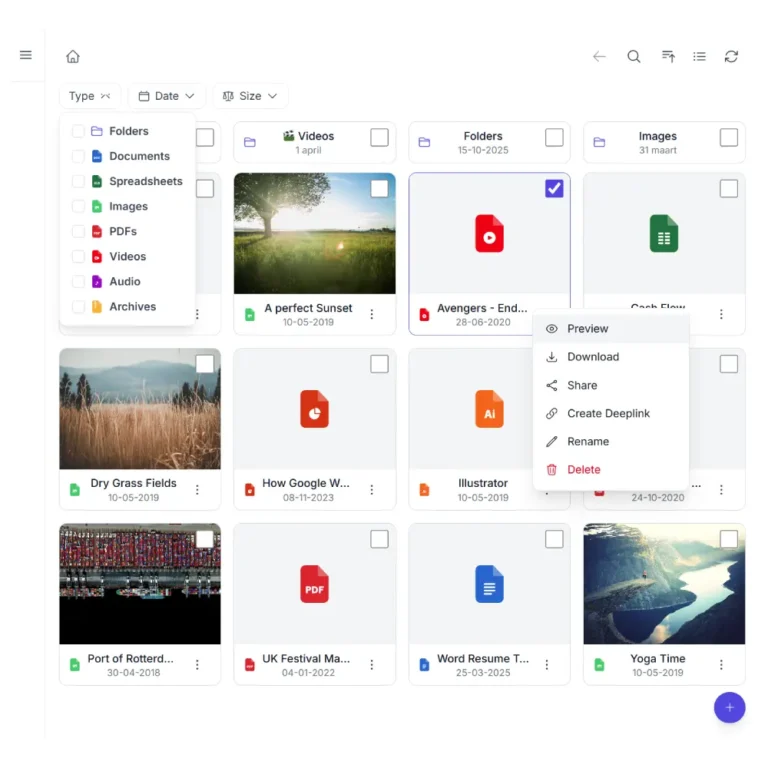
Share specific files from your cloud without building an entire file browser. Pick the files, choose a layout, and place it on any page. Works with Nextcloud, ownCloud, Dropbox, OneDrive, SharePoint, AWS S3, Wasabi, DigitalOcean Spaces, Cloudflare R2, Backblaze B2, MinIO, pCloud, WebDAV servers, and S3-compatible storage.
One plugin. Multiple cloud providers. Your choice.
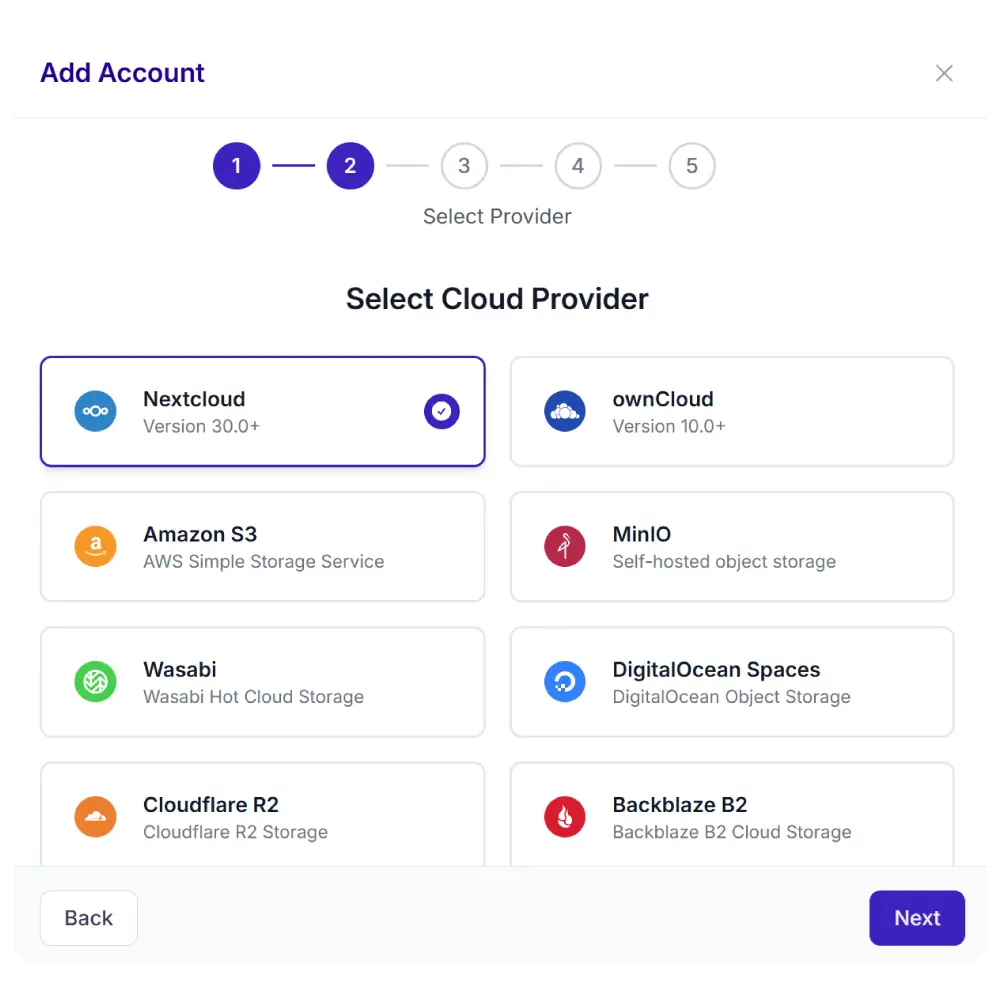
Synkivo is built for teams that care about where their files live. Whether you self-host on Nextcloud, ownCloud or your NAS for full data sovereignty on your own infrastructure, or prefer the scalability of AWS S3, Wasabi, DigitalOcean Spaces, Cloudflare R2, Backblaze B2, MinIO, and other cloud services — Synkivo connects your storage to WordPress.
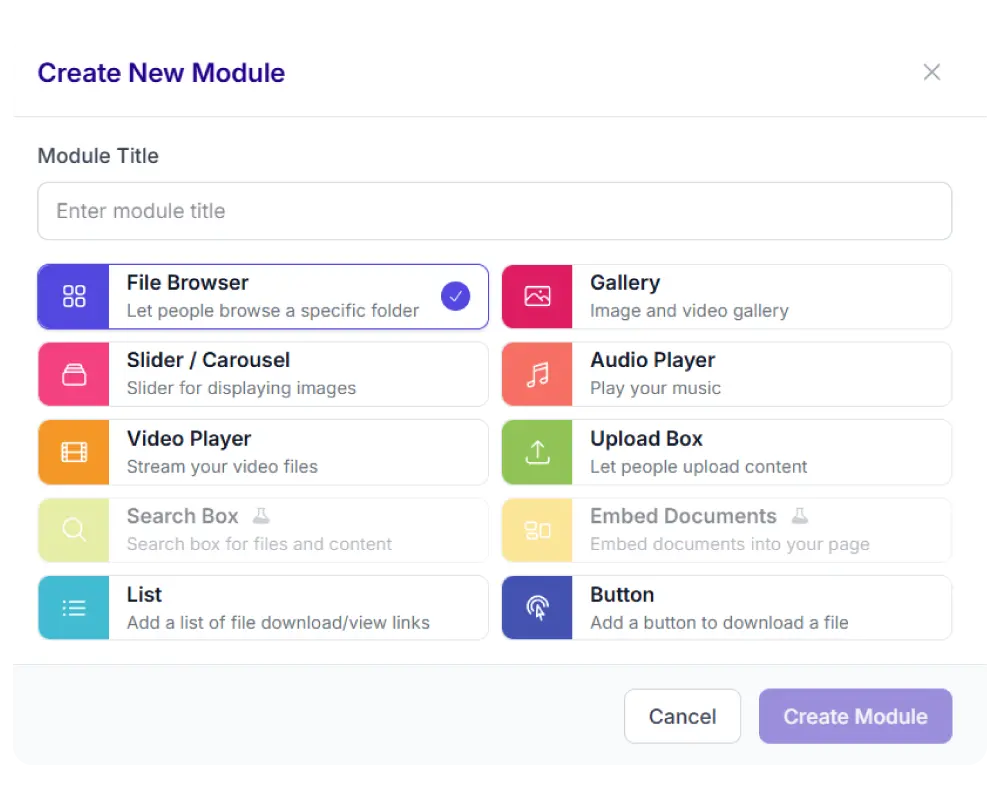
Each module is visually configured — no code required. Place it anywhere with a shortcode, Gutenberg block, or page builder widget.
The File List module
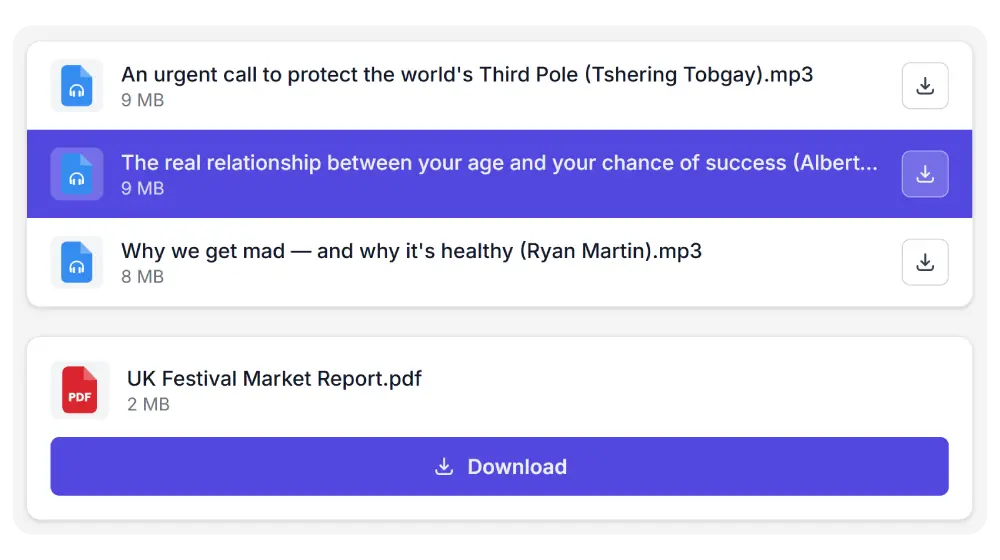
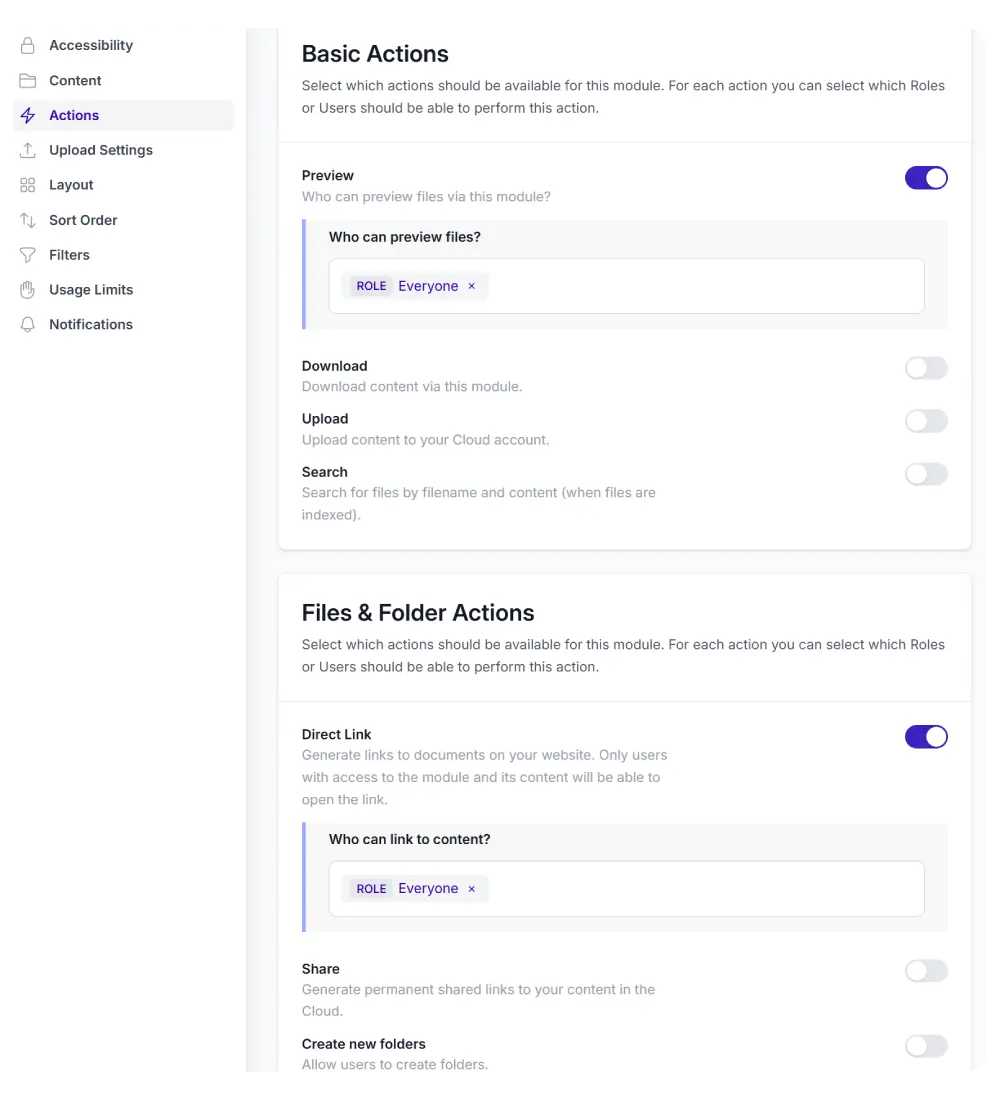
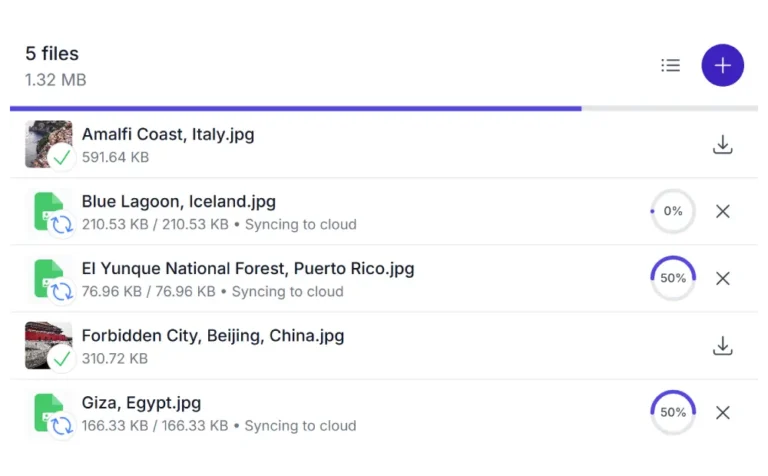
The File List shows selected cloud files in a compact list with file type icons, names, and sizes. Each row has a preview button and a download button.
Click a file name to preview or download. You choose which action in the settings. Hover a row and it highlights in your accent color. Folders show a ZIP download button.
The Download Button shows only what matters: file name, size, and a prominent download button. Nothing else.
Or switch to single-button mode: one button that downloads all selected files as a ZIP archive. Set a custom label or use the automatic item count.
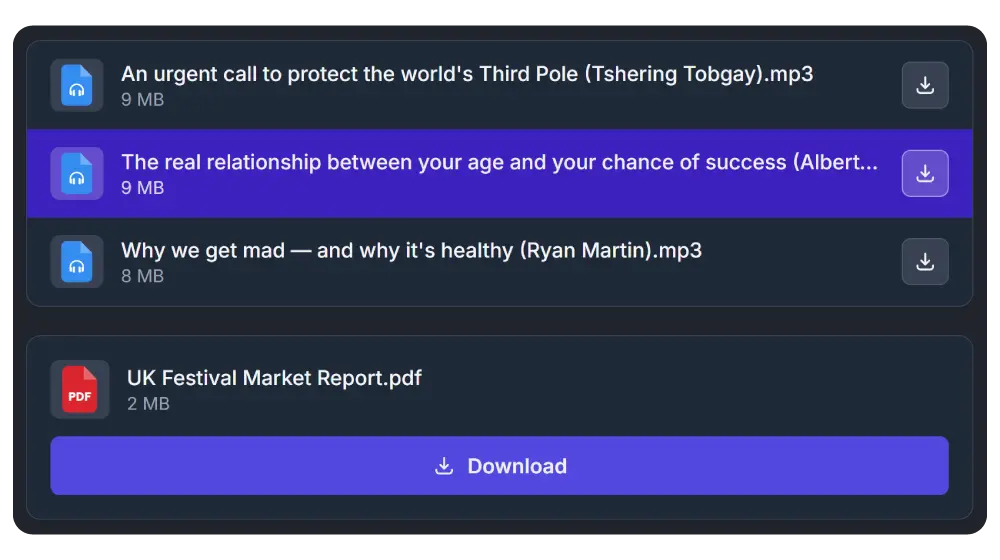
Light & Dark
Synkivo supports light, dark, and system-following themes. Match the module to your site’s design or let it follow your visitor’s system preference. Every module adapts automatically
Common use cases
The List and Button modules work for any WordPress site that needs clean, focused download and preview links.
Documentation pages
List release notes, user guides, or spec sheets. Visitors preview inline or download directly.
Digital product delivery
Offer purchased files with a Download Button on the thank-you page. Single ZIP for multi-file products.
Course materials
Share handouts, slides, or reading lists per lesson. The File List keeps them organized.
Support resources
List drivers, firmware, or config files. Sort by date so the newest version appears first.
Lead magnets
Place a Download Button on a landing page. One click to download your whitepaper or template.
Legal documents
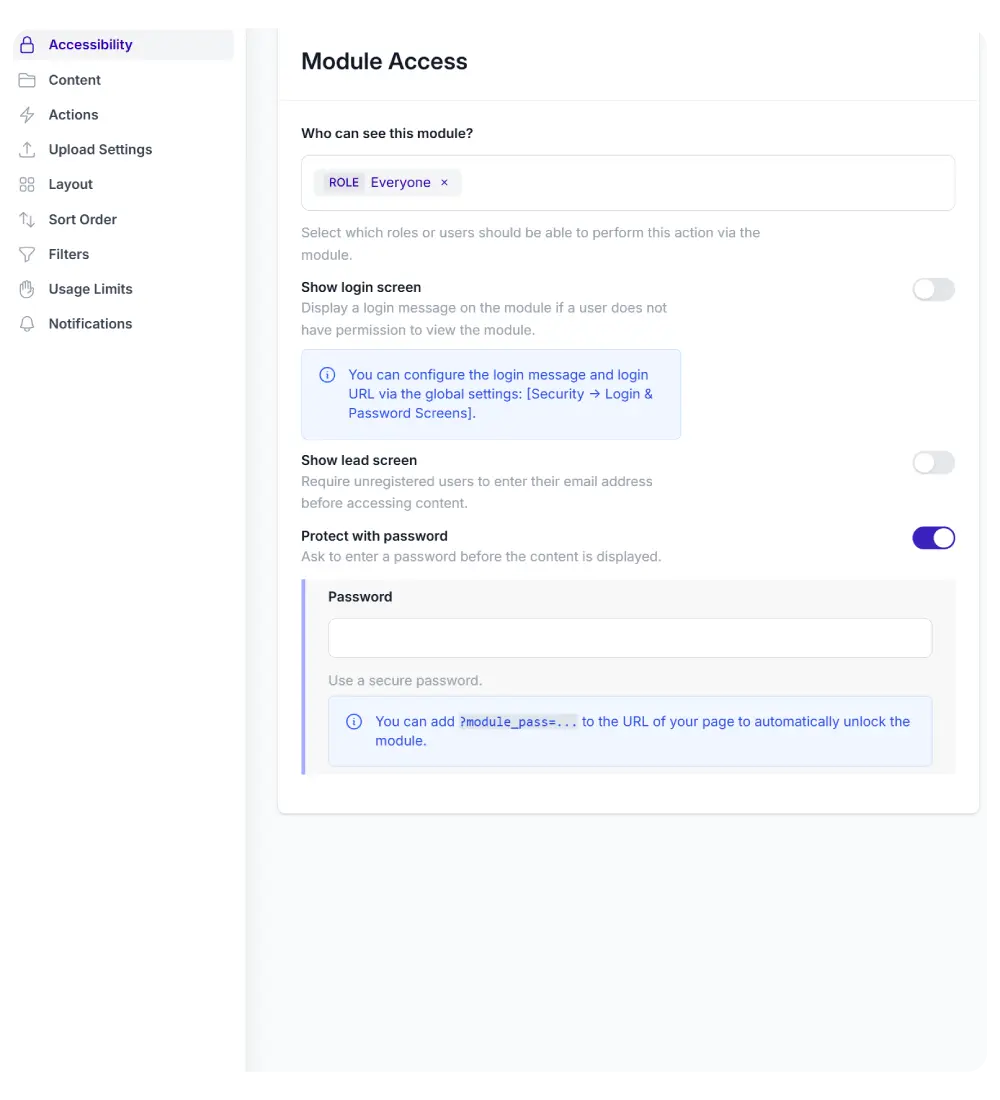
Share contracts, terms, or compliance files. Role-based access ensures only authorized users see them.